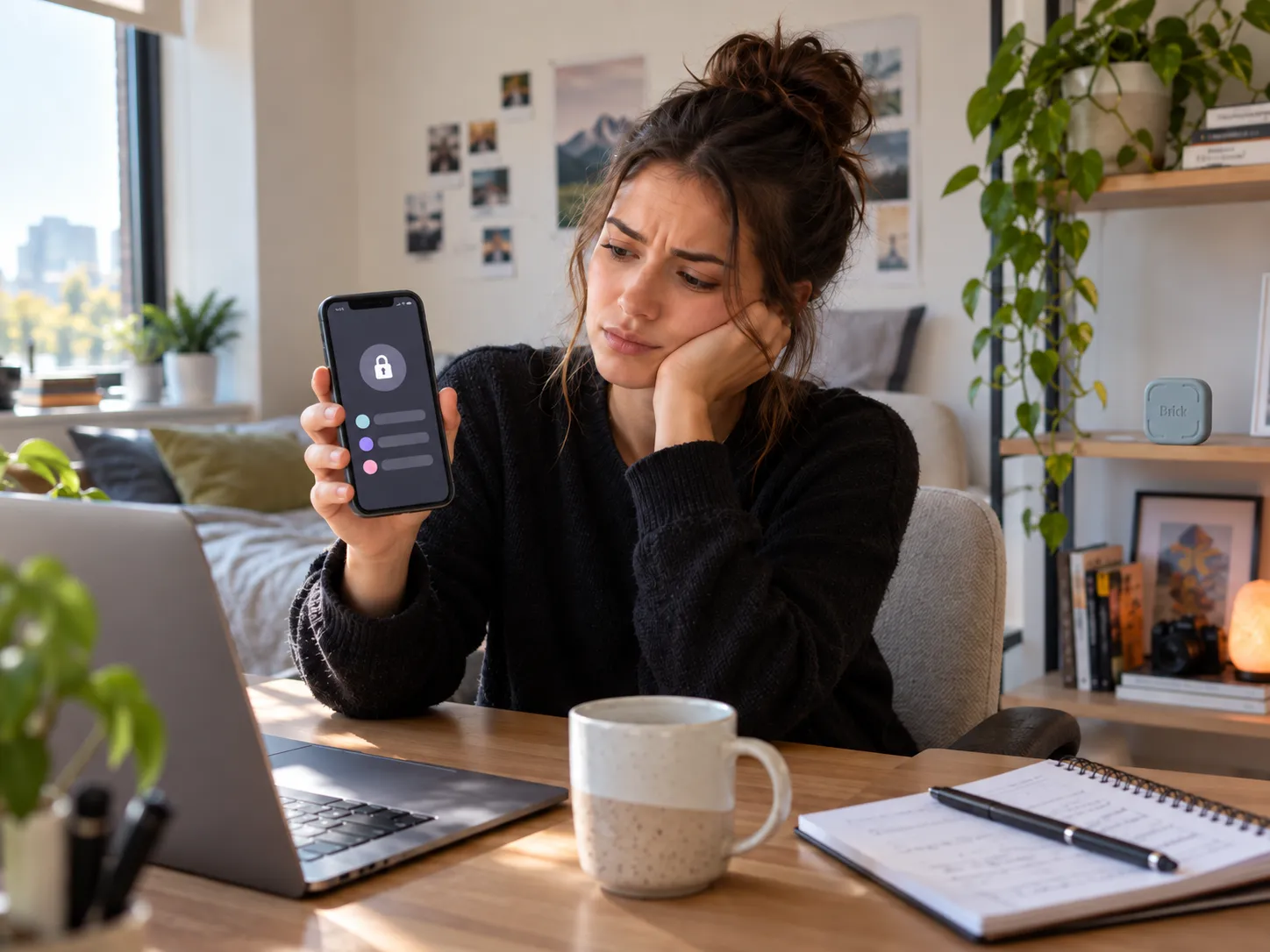

Brick may sound appealing if you routinely dismiss screen-time limits. Instead of another warning, it adds a physical device you normally need to revisit before reopening blocked apps. But is that extra step worth $59?
This research-based Brick review weighs firsthand reporting, owner complaints, compatibility, alternatives and purchase risks. We have not personally tested the product.
Quick Answer
Brick is worth considering when you repeatedly override software limits and specifically want a physical step before unlocking distractions. It is less compelling if free phone controls already work for you or if you need unverified Android features. Its value depends on whether that extra step changes how you use your own phone, not on a promise that distractions become impossible. [1] [2]

Brick Phone Blocker
$59 USD · One-time purchase
Physical app blocker for buyers who want extra distance from distracting apps. [1]
What Are You Actually Paying for With Brick?
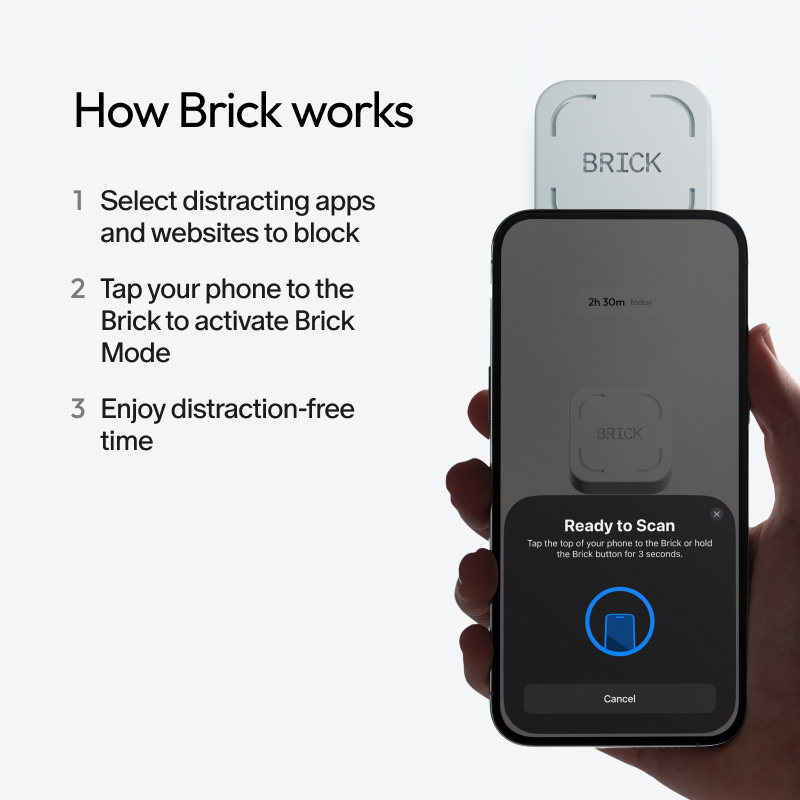
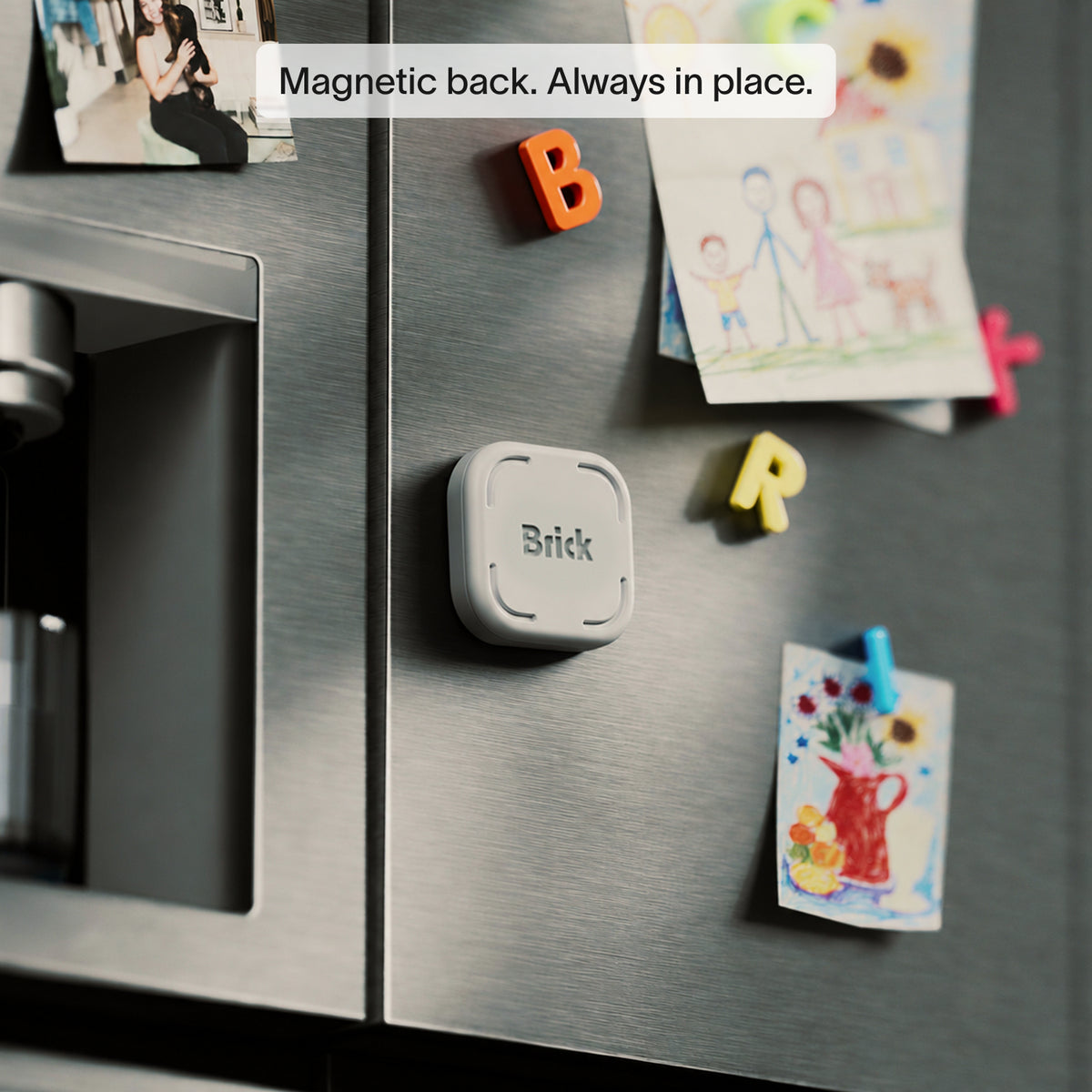
Brick pairs a smartphone app with a battery-free NFC device. Choose distracting apps, start a session and normally tap your phone against the physical Brick to unlock them. Leaving it in another room creates the intended barrier. [1]
Why the physical step matters
Apple Screen Time and Android Digital Wellbeing already limit usage. Brick’s difference is making an unlock less immediate. That could matter if you routinely dismiss reminders, but may add little value if you already follow free limits.
The official price is $59 once, with no recurring subscription advertised. Brick supports custom modes and multiple phones. The trade-off: you must return to unlock blocked apps. [1] [2]
Do Brick Reviews Show That It Really Works?
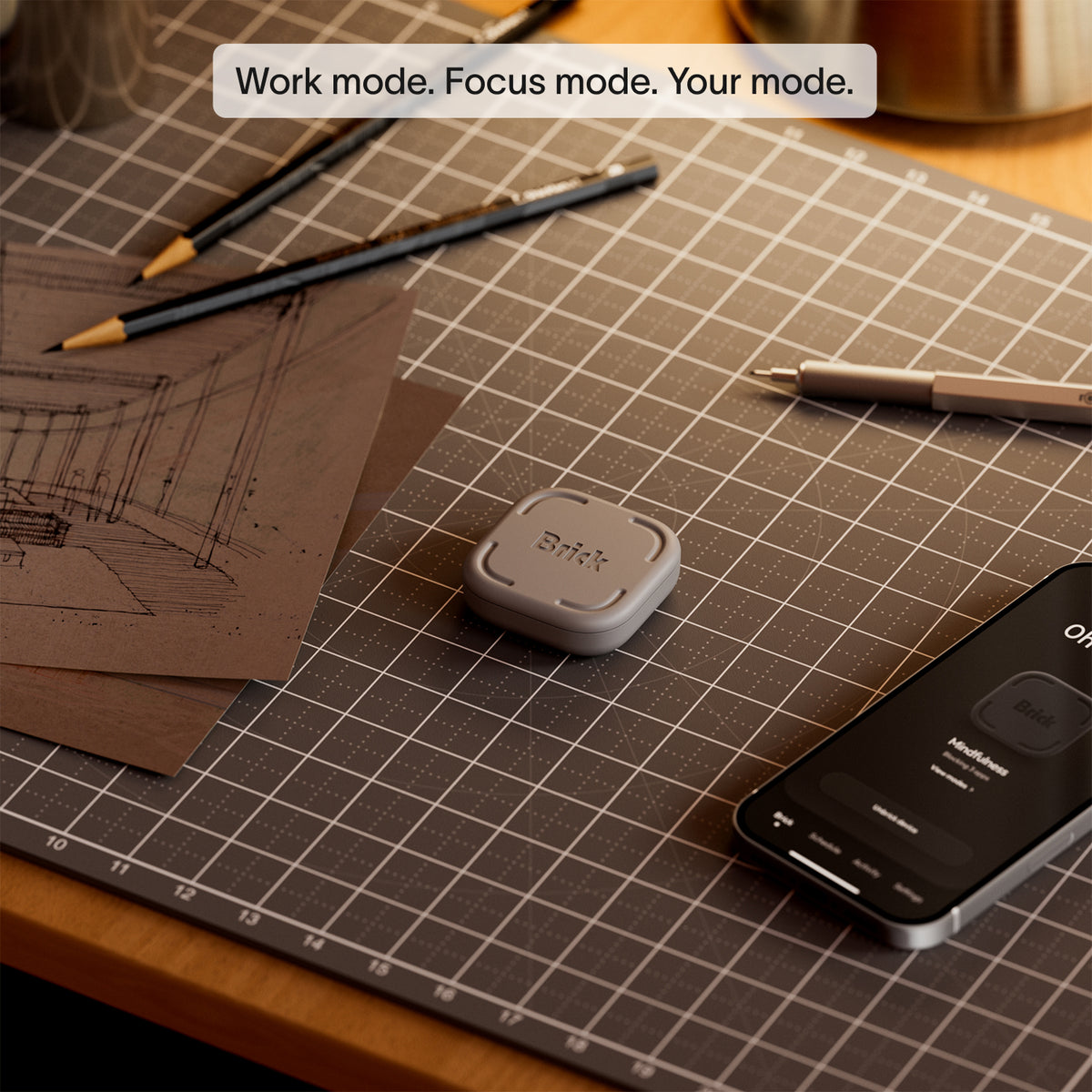
NBC Select tested Brick with five staff members for two weeks. They described use during work, reading and evenings. Several noticed fewer impulsive app checks, while one questioned whether distractions might simply shift to another device. [3]
Tom’s Guide also published a hands-on review. These reports are not proof of lasting results. [4]
Remember the screen you are trying to control. Brick targets phone distractions. A reviewer noted that attention can still move to a laptop, which matters if you do much of your work across devices. [3]
What owner complaints add to the picture
Owner feedback is mixed. One Reddit user initially liked Brick, then reported disabling restrictions through settings or a phone restart. This is a specific complaint, not proof every current phone behaves identically. [5]
Can You Bypass Brick?
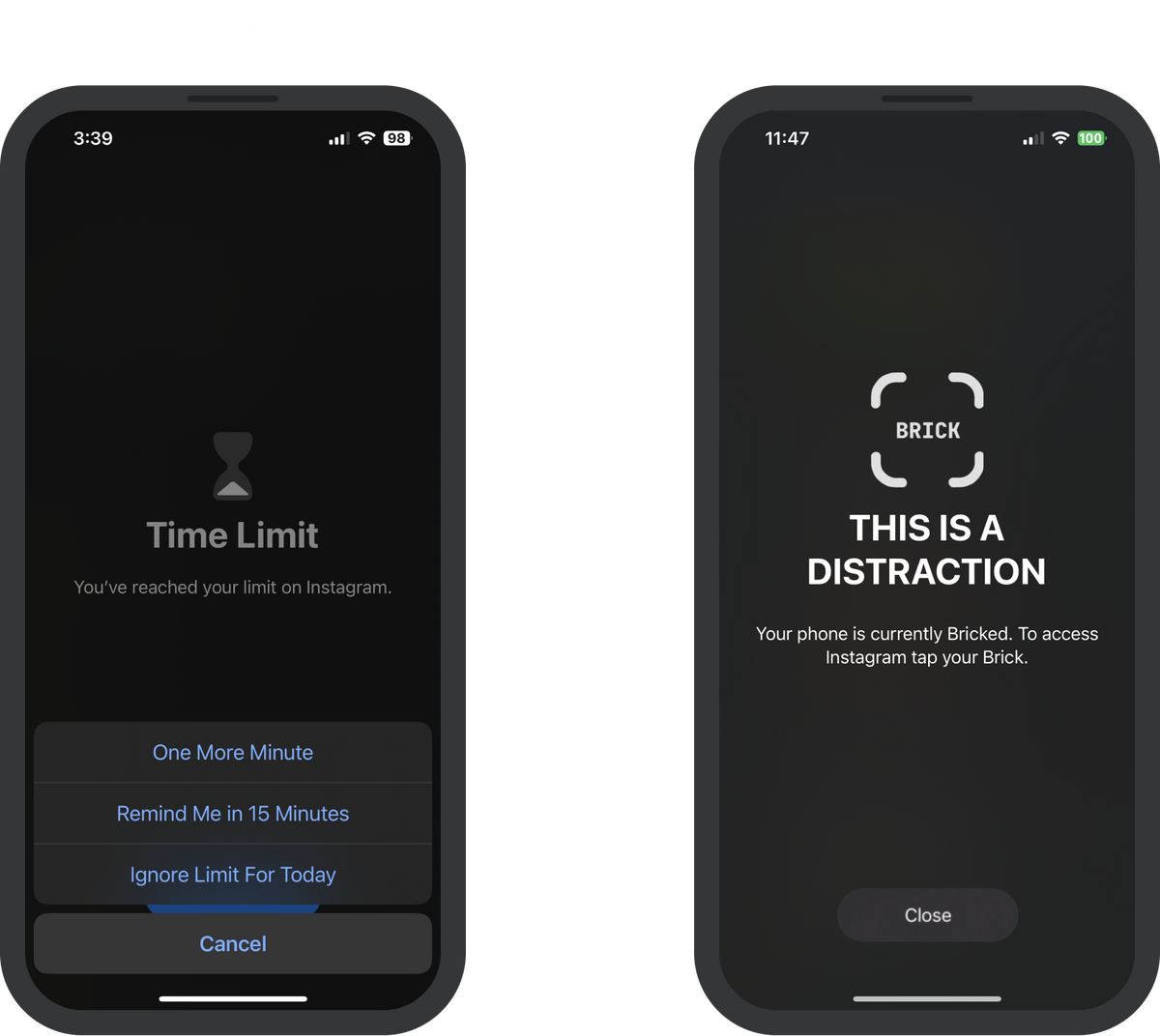
Brick is not an impossible-to-defeat lock. Its Strict Mode is designed to prevent deleting the app during an active session. For iPhone, Brick also recommends a Screen Time passcode and settings protections. [6]
Reported workarounds may depend on software versions, permissions and setup; there is no verified failure rate across all phones. Check current Strict Mode instructions if bypass resistance is your main reason to buy. [5]
The app includes five Emergency Unbricks if the physical device is unavailable, plus a support-assisted reset procedure. These are intended for emergencies, not daily overrides. [7]
Will Brick Work Properly on Your Phone?
For iPhone buyers
Brick’s current FAQ requires iOS 18+. It lists app restrictions excluding Phone and selected Safari websites from Apple’s approved list. Older documentation lists different minimum versions, so check the current FAQ and whether your intended sites are supported. [2]
For Android buyers
The FAQ requires Android 12+. Brick’s Android guidance lists permissions including Usage Access, Accessibility Service and notification-related access needed to enforce blocking. [2] [8]
A Pixel 8a owner using Android 16 reported unreliable blocking and troubleshooting difficulties. Other comments do not establish a device-wide failure rate. Verify schedules and website restrictions before buying. [9]
Is Brick Worth $59 Compared With Alternatives?
Compare physical distance against flexible software restrictions, not just price. For a three-way buying decision, our Brick vs Opal vs ScreenZen comparison explores bypass resistance, software features, and total cost.
Bloom Card: another physical option
Bloom Card starts at $39 and uses a credit-card-sized NFC blocker. Its lower price may appeal to you, though a card kept in your wallet might create less distance than a device left elsewhere. Confirm its current features rather than assuming they mirror Brick’s. [10]

Bloom Card
$39 USD · One-time purchase
Card-format physical app blocker for buyers considering a lower-cost alternative. [10]
Opal: software without a physical device
Opal has a free tier and lists Pro at $99.99 annually, including advanced controls such as Hard Mode. It requires no NFC hardware. Brick is more relevant when you specifically prefer leaving a physical unlock point elsewhere. [11]

Opal Screen Time App
Free plan · Pro $99.99/year
Software-based app blocking without a physical NFC device. [11]
Brick Pros and Cons
Pros
- Physical unlocking adds a deliberate step.
- One-time hardware price with no advertised subscription.
- Custom modes and support for multiple phones.
- Emergency access when the device is unavailable.
Cons
- Restrictions should not be assumed bypass-proof.
- Android setup depends on several permissions.
- Physical unlocking may be inconvenient when traveling.
- Free or cheaper alternatives may meet your needs.
What if Brick Does Not Suit You?
Brick accepts return requests within 30 days of delivery. Approved returns receive a prepaid label and must ship within the deadline in original condition. Original packaging may be reused, but secure alternative packaging is allowed. [12]
Who Should Buy Brick, and Who Should Skip It?
Consider Brick if dismissible limits routinely fail, you can keep the unlocker away from your phone, and verified compatibility covers your needs.
Skip or postpone if ordinary timers work, essential features remain unverified on your phone, or physical unlocking would be inconvenient. Test built-in controls or software alternatives before spending $59.
Final Verdict: Is Brick Worth Buying?
Brick’s value is friction, not absolute enforcement. Independent reports show potential benefits, while owner complaints expose meaningful limitations. It may justify $59 for someone who needs that physical pause; others may be better served by free or cheaper options.
Frequently Asked Questions
Does Brick require a subscription?
No recurring subscription is advertised for the standard Brick device and companion app. [1]
Can several people share one Brick?
Yes. Brick says one physical device can work with multiple phones, although each user’s setup and blocking preferences still matter. [2]
What happens if you lose your Brick?
The app provides five Emergency Unbricks, with a support-assisted reset option described by the company. [7]
Does Brick block every website?
No. The official FAQ describes selected Safari sites on iPhone and different Android restrictions. Check the current feature list if website blocking is essential to your decision. [2]
Sources & References
- Brick: Official Product Page. Device price and operation. View source.
- Brick: Official FAQ. Compatibility, blocking and household use. View source.
- NBC Select: Two-Week Brick Evaluation. Five staffers’ firsthand experiences. View source.
- Tom’s Guide: Brick Review. Independent hands-on reporting. View source.
- Reddit: Owner Bypass Report. One owner’s bypass complaint. View source.
- Brick Support: Make Brick Stricter. Strict Mode protection instructions. View source.
- Brick: Emergency Unbricks. Emergency unlocking and resets. View source.
- Brick Support: Android Permissions. Android permissions. View source.
- Reddit: Pixel 8a Owner Report. One Pixel 8a owner’s experience. View source.
- Bloom: Official Card Listing. Card features and pricing. View source.
- Opal: Official Pricing. Free and Pro pricing. View source.
- Brick Support: Return Policy. Return deadlines and packaging rules. View source.
 ✓
✓