
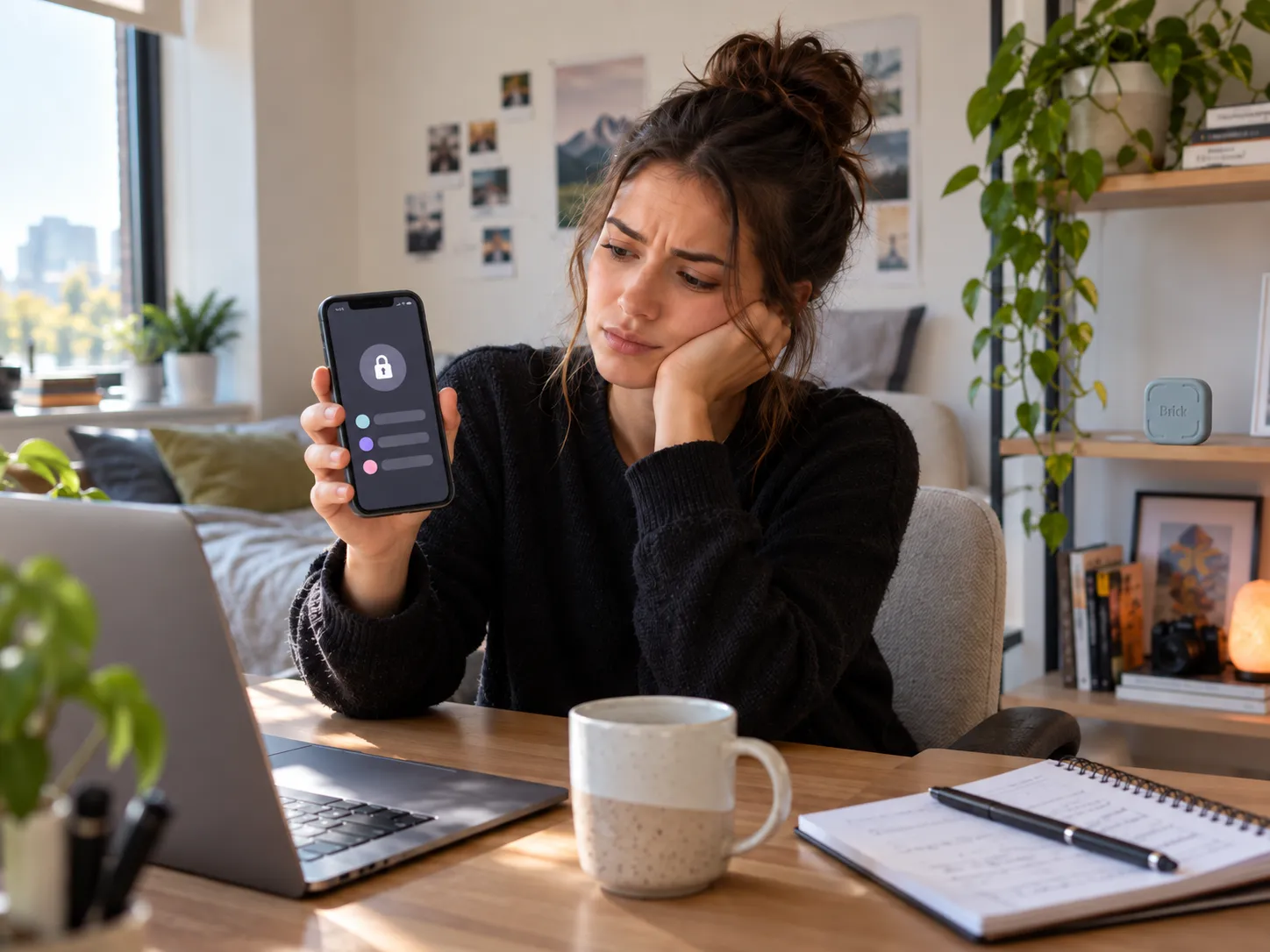

Brick becomes relevant when the problem is not knowing that distracting apps waste your time. The problem is that every limit you set is still easy for you to undo.
Brick can make common escape routes harder, particularly when Strict Mode and Settings protection are used. It is not an impossible-to-defeat lock. Its main value is making an impulsive override require more deliberate effort. 1 2
Can You Bypass the Brick Phone Blocker?
Yes, Brick can be bypassed in some situations. Current controls make common workarounds harder, but Brick should be treated as a self-control tool rather than an undefeatable security lock.

Owner reports Reddit users have discussed escaping Brick restrictions through phone Settings, permissions, restarts, and other workarounds. 3
Official documentation Brick’s support documentation describes Strict Mode and additional Settings restrictions designed to make some of those escape routes harder. 1
The practical distinction is whether you usually break your limits because you are actively determined to defeat them, or because the override is simply too convenient.
Our interpretation of the available evidence: Brick appears better suited to slowing impulsive overrides than stopping someone who is deliberately searching for every possible loophole.

Most relevant for buyers who repeatedly override software-based app limits and want the unlock action physically separated from their phone.
What Does Brick Strict Mode Actually Stop?
Strict Mode removes some of Brick’s easiest escape routes. Brick says it can prevent app deletion during an active session, while separate Settings restrictions can make permission changes harder.

Strict Mode does not change Brick into a compulsory security system. It mainly increases the effort required to abandon a restriction you originally chose to create.
Does the Physical Brick Actually Make a Difference?
It can, if physical distance is the extra friction you are missing. Brick moves the normal unblock action away from the same phone that is tempting you.
A software blocker normally places both the restriction and the override on one device. Brick allows the physical unlock trigger to be kept somewhere else.

Owner reports Some Brick owners describe leaving the physical Brick in another room, downstairs, or elsewhere so restoring access requires getting up and making a more deliberate choice. 4
Independent testing NBC Selected tested Brick with five staff members for two weeks and documented how physical placement became part of their routines. 5
If you keep the Brick beside your phone, you weaken the exact friction you are paying for. If you place it too far away, genuine access needs become more inconvenient. Placement is therefore part of whether Brick fits your routine.
What Problems Should You Know About Before Buying Brick?
The two most relevant current concerns are scheduled re-access and NFC scanning. Neither issue appears universal, but both affect the core experience enough to matter before buying.

Scheduled re-access
Official documentation Brick currently supports scheduled sessions with a start time and an optional end time. 7
Owner reports Current evidence also includes reports of scheduled sessions not always ending as expected. 8
This matters most if you plan to leave the Brick somewhere else and rely on automatic access returning later.
NFC scanning
The useful friction is walking to the Brick before unblocking an app.
Owner reports Some users have also reported needing repeated NFC scans or finding the correct scan position on their phone. 8
These reports do not establish a universal defect rate, but scan friction matters because tapping the physical device is central to Brick’s workflow.
Is Brick Worth $59?
Brick is easier to justify at $59 if free software limits fail because you keep overriding them. If Apple Screen Time or Android Digital Wellbeing already controls your behavior, paying for additional physical friction is much harder to justify.
Official product information Brick currently lists for $59 as a one-time purchase, and the standard experience does not require a recurring subscription. Current official compatibility is iOS 17 or later and Android 12 or later. 2

Cheap NFC tags and free app blockers exist, so the NFC component itself is not the strongest argument for paying $59.
The actual value proposition is the combined workflow: physical activation, app blocking, Strict Mode, scheduling, and emergency access in one maintained system.
- you repeatedly override software limits;
- physical distance changes your behavior;
- you want the unblock action away from your phone;
- you prefer a one-time purchase.
- free Screen Time limits already work;
- you mainly need reminders;
- you want precise daily usage quotas;
- you do not want another physical device.
What Happens If You Leave Your Brick at Home?
You do not automatically lose access to your whole phone. Essential apps can remain allowed, and Brick currently provides five Emergency Unbricks when the physical device is unavailable.

The first safeguard is choosing your blocked apps carefully. Phone, Messages, Maps, travel apps, or work tools can remain available if you expect to need them.
Official documentation Brick provides five Emergency Unbricks for situations where the physical device cannot be reached. 2
Independent testing The Independent’s hands-on review documented a real situation where emergency access became useful while the reviewer was away from the Brick. 6
If you expect to use Emergency Unbricks regularly rather than occasionally, that is a sign your blocking setup or physical placement may not fit your normal routine.
Should You Buy Brick?
Brick makes the most sense if your problem is not setting limits—it is repeatedly undoing them because the escape route is too convenient.
For that buyer, physically separating the unlock action and using Strict Mode can add meaningful resistance between an impulse and the decision to restore access.
Brick is a weaker fit if free limits already work, if you need precise daily usage budgets, if you need desktop blocking, or if you expect an impossible-to-defeat parental or security lock.
The decision comes down to your failure pattern: if convenience is why you keep breaking your limits, Brick addresses that specific weakness. If you are determined to dismantle every restriction you create, Brick does not remove that underlying choice.
Consider Brick if your existing screen-time limits fail specifically because overriding them is too quick and convenient.
Brick Phone Blocker FAQs
Can you bypass the Brick phone blocker?
Yes, some workarounds have been reported. Brick’s current Strict Mode and Settings restrictions are intended to make common bypass routes harder, but Brick should not be treated as an impossible-to-defeat security lock. 1 3
What happens if I leave my Brick at home?
Essential apps can remain allowed, and Brick currently provides five Emergency Unbricks for situations where you cannot reach the physical device. 2
Is Brick worth $59?
Brick is easier to justify if you repeatedly override free software limits and believe physical separation would change that behavior. If Apple Screen Time or Android Digital Wellbeing already works for you, the extra $59 is harder to justify.
Sources & References
- Brick Support — Make Brick Stricter — Strict Mode, app-deletion protection, and Settings-access guidance.
- Brick — Official Product Page — current $59 price, compatibility, Emergency Unbricks, product details, and official images used in this article.
- Reddit / r/dumbphones — Brick Bypass Discussion — owner discussion around bypass concerns and workarounds.
- Reddit / r/dumbphones — Owner Experience With Brick — discussion of physical placement and added friction.
- NBC Selected — We Tested The Brick for Two Weeks — multi-tester independent review covering real-life use, placement, and effectiveness.
- The Independent / IndyBest — Brick App Blocking Device Review — hands-on testing covering Strict Mode, emergency access, and value.
- Brick Support — Schedule Your Brick — current scheduling documentation, including optional end times.
- Worthivo — Brick Phone Blocker Review — September 2026 evidence synthesis covering schedule and NFC scanning complaints.
 ✓
✓