
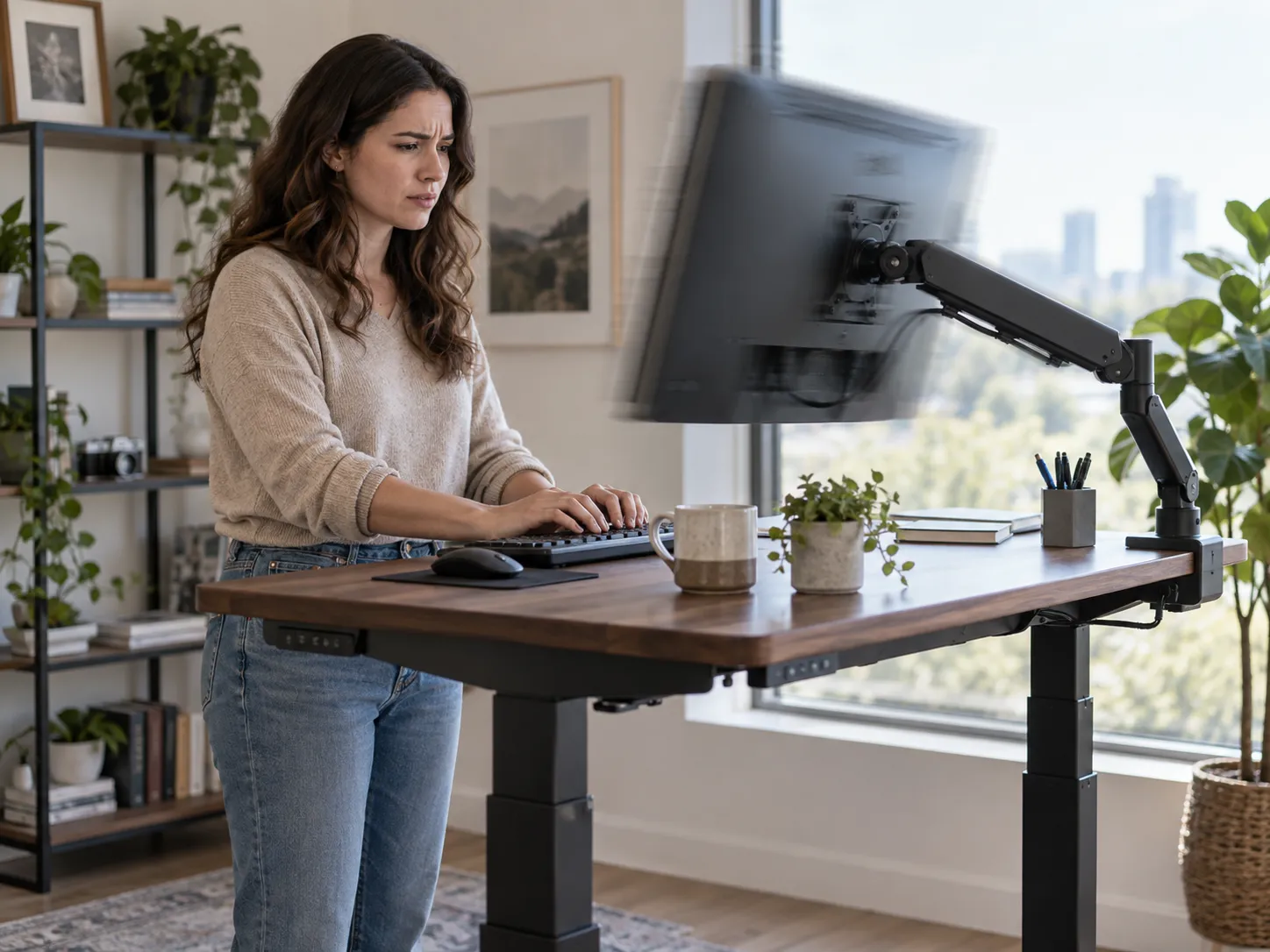

That matters because replacing the whole desk will not fix a monitor-arm or setup problem. Before blaming the frame, it is worth finding out where the movement actually starts and whether it happens during normal work or only when the desk is deliberately pushed.
The goal here is to narrow the problem down: desk frame, monitor arm, floor, assembly, or the setup as a whole.
Is Your Desk Actually Wobbling—or Is Your Monitor Arm Amplifying the Movement?
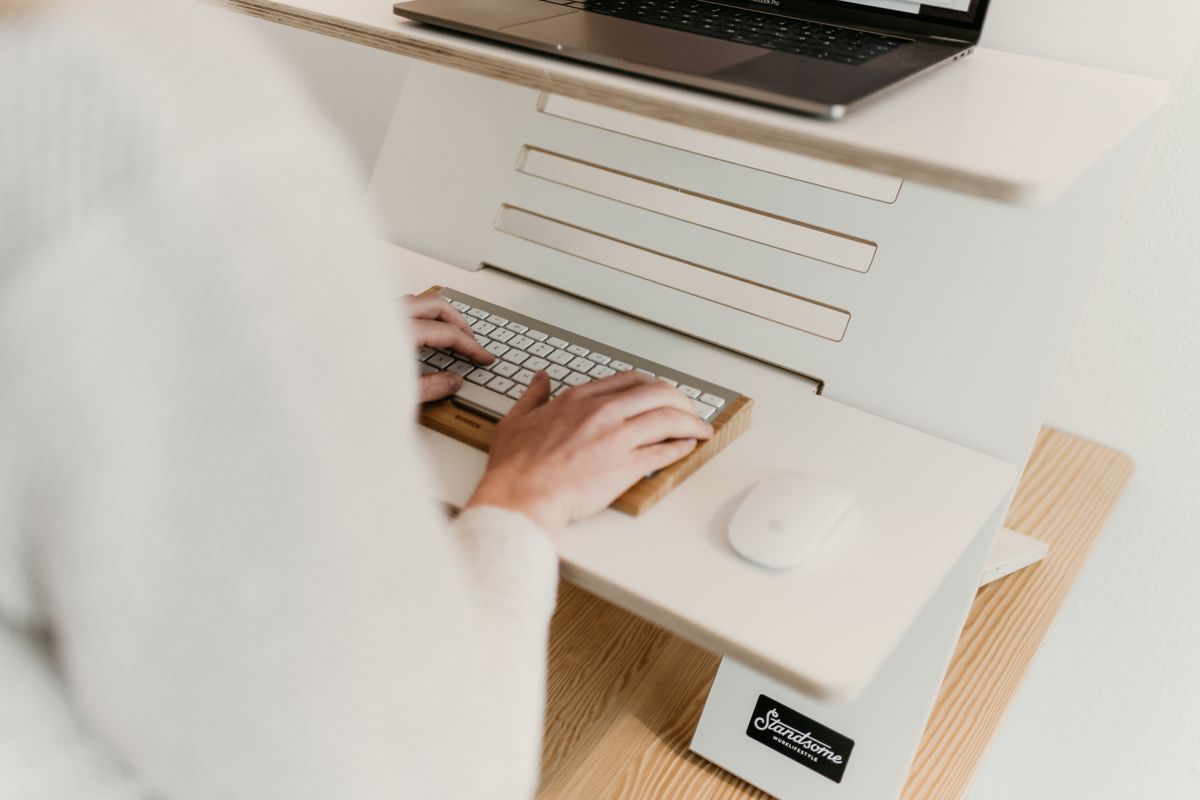
Start with what you can actually see: the monitor. But do not assume the screen tells you exactly where the problem begins.
Standing-desk users have reported setups where the desktop feels reasonably solid but monitors attached to adjustable arms still vibrate during typing. Some users also report less visible movement when the monitor sits closer to the arm’s mounting point.[2]
A monitor arm can make a small vibration easier to notice because the screen is held away from the mounting point. So the screen may shake even when the desktop itself does not feel dramatically unstable.
Why Does Wobble Become More Noticeable at Standing Height?
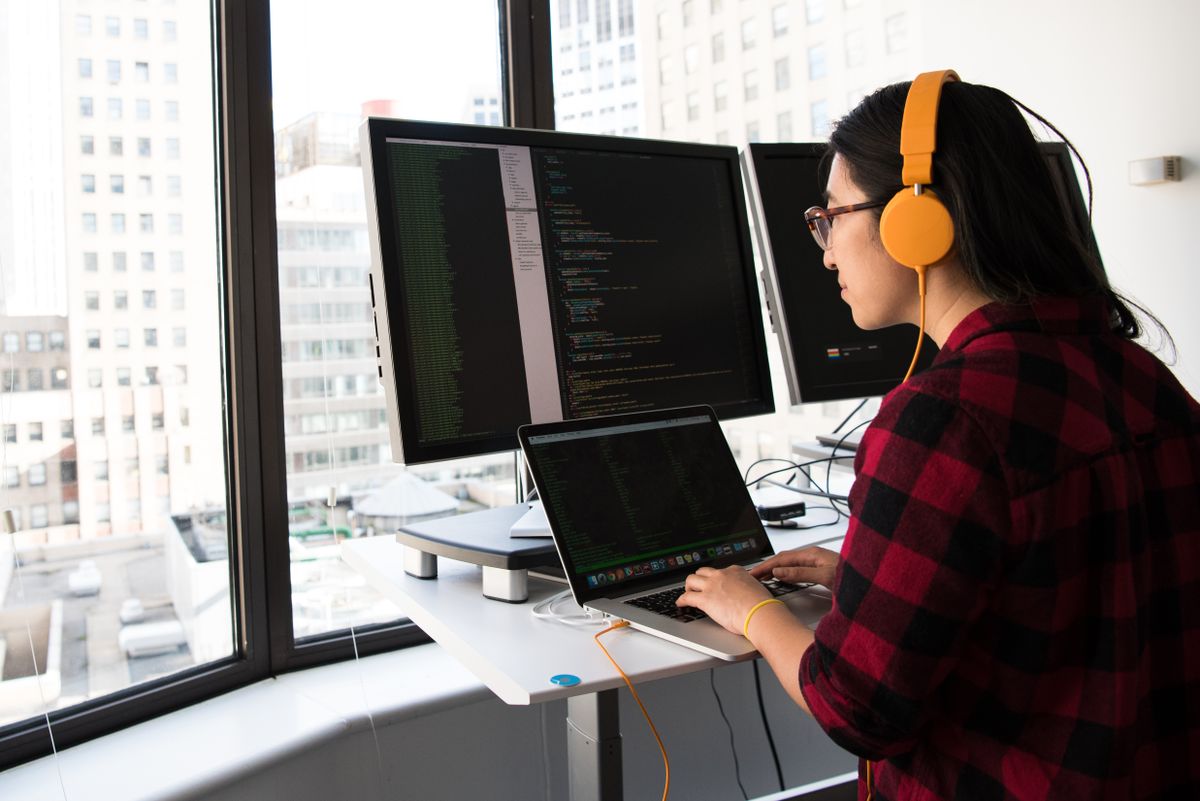
Adjustable desks often feel firmer when their legs are lower. As telescoping columns extend, the working surface sits farther from the base, so movement in the frame, joints, glides, or hardware may become easier to notice.
BTOD’s standing-desk guidance identifies factors such as loose hardware, frame construction, column fit, and structural support as possible contributors to wobble, especially as a desk gets taller.[1]
That means the useful question is not:
“Can I make this desk move if I push it?”
A much better test is:
“Does it move enough at my real standing height to disturb my monitor, typing, or normal work?”
Could Your Floor Be Making a Stable Desk Feel Worse?
Yes. The frame is only as stable as the surface supporting it.
Thick carpet can allow desk feet to shift slightly under pressure. Uneven floors or flexible floorboards can also introduce movement that looks like a desk-frame problem.[1]
One Desktronic HomePro owner reported that older floorboards created more noticeable movement than ordinary typing on the desk itself.[5]
If you can, compare the desk on a firmer surface before deciding the frame itself is the weak point.
Does a Heavy PC or Dual-Monitor Setup Automatically Cause Wobble?
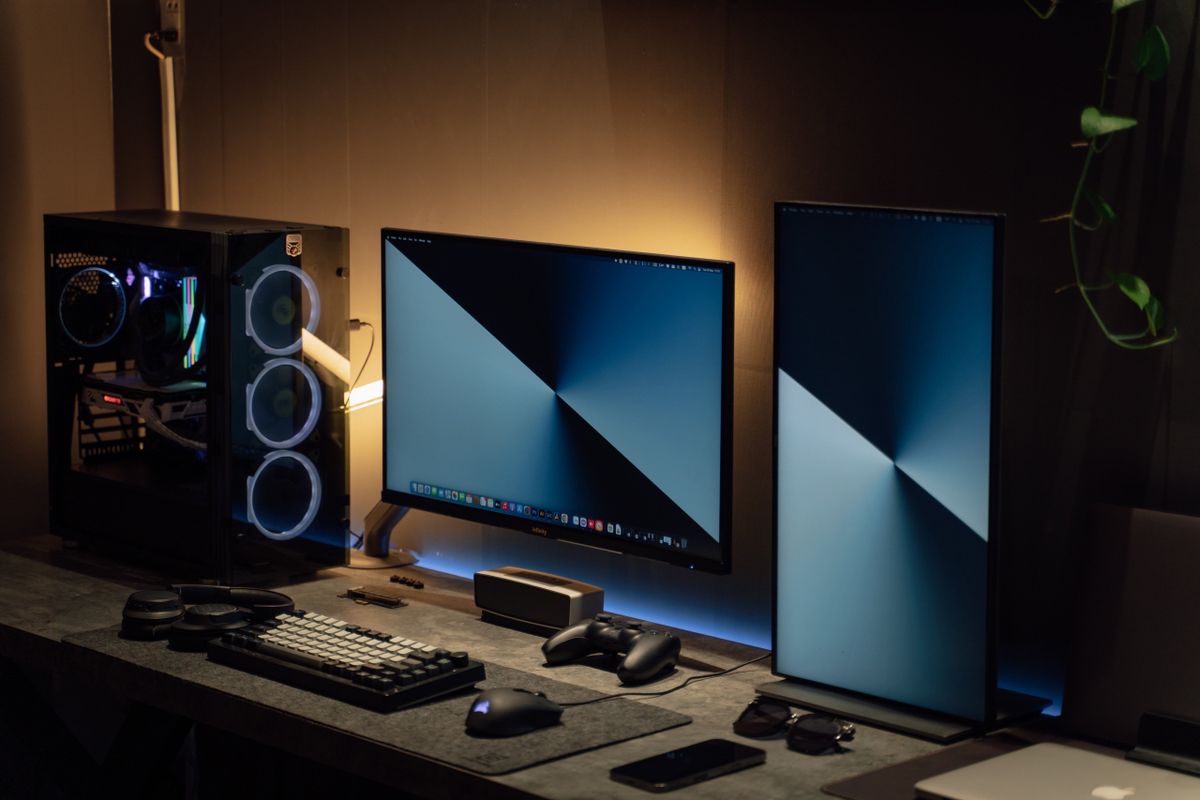
No. Total weight alone does not tell you how stable the setup will feel.
A desk’s advertised lifting capacity tells you how much load its lifting system is rated to raise. It does not tell you how much visible monitor movement you will experience while typing.
Where the weight sits matters too. A PC tower sitting closer to the middle of the desktop is different from a large monitor extending away from the desk on a long arm.
For a heavier workstation, look at the complete setup instead of one weight number:
- Your normal standing height
- Monitor size and arm position
- Desktop width
- Location of the PC and other heavy equipment
- Flooring underneath the desk
- Whether frame and monitor-arm hardware are tight
How Can You Tell What Is Actually Causing the Shake?
| What You Notice | What to Test |
|---|---|
| Only the monitor visibly shakes | Shorten or reposition the monitor arm and compare. |
| Movement gets worse as the desk rises | Test the setup slightly below your usual standing height. |
| The whole desk rocks | Check the feet, floor, frame connections, and fasteners. |
| Movement happens mainly while typing | Compare the screen while your hands are resting versus while typing normally. |
| Only aggressive pushing creates wobble | Check whether the same movement appears during real work. |
| Wobble appeared after months of use | Recheck frame bolts, desktop connections, feet, and monitor-arm hardware. |
When Is Standing-Desk Wobble Actually a Problem?
A desk moving when someone deliberately grabs and shakes it is not the same as a desk that disrupts everyday work.
Set the desk to your normal standing height. Type normally. Move the mouse. Rest your forearms lightly on the front edge.
If the monitor stays comfortable to look at during those tasks, minor movement under deliberate force may not matter much.
If normal typing repeatedly makes the screen shake enough to distract you, then the source of that movement is worth isolating.
What Does This Mean If You’re Looking at a Desktronic Desk?
Desktronic markets the HomePro around a reinforced steel frame and says it is designed to remain steady while raised.[3]
That is a manufacturer claim, not proof that every desktop size, floor, monitor arrangement, and working height will behave exactly the same.
Independent experience is more nuanced.
A four-month HomePro owner review published in 2026 described strong everyday stability with a laptop and two-monitor setup, while also reporting mild wobble higher up.[4]
Another HomePro owner reported little noticeable movement while seated and some movement around a 114 cm standing position when leaning on the desk, while normal typing remained steady.[5]
A separate February 2026 discussion also includes owners describing slight movement on some HomePro configurations when fully extended.[6]
Before You Blame the Desk, Check These Six Things
- Tighten the frame, feet, and desktop fasteners.
- Make sure every foot sits evenly on the floor.
- Test the desk slightly below its highest position.
- Reduce monitor-arm extension and compare the screen movement.
- Try a firmer floor surface if the desk is currently on thick carpet.
- Judge stability while working normally—not only by forcefully shaking the frame.
Once you know where the movement begins, the next step becomes much clearer. You may only need to reposition the monitor, tighten the assembly, improve floor contact, or redistribute equipment rather than replace the entire desk.
Sources & references
- [1] BTOD — 6 Reasons Why Adjustable Standing Desks Wobble
Used for general standing-desk stability factors including frame construction, hardware, height, and flooring.Open source ↗ - [2] Reddit r/StandingDesk — Standing Desks and Monitor Wobble Discussion
Used as anecdotal user evidence regarding monitor-arm vibration and visible monitor movement while typing. User reports are not treated as controlled testing.Open source ↗ - [3] Desktronic — HomePro Standing Desk
Used only for Desktronic’s manufacturer claims concerning its frame and stability.Open source ↗ - [4] Mike McDonnell — Desktronic Home Pro Review: 4 Months In
Independent owner report used for multi-monitor everyday-use observations and reported mild movement at higher positions.Open source ↗ - [5] Reddit r/StandingDesk — Desktronic HomePro Owner Review
Used as anecdotal owner evidence concerning seated stability, standing-height movement, normal typing, and flooring.Open source ↗ - [6] Reddit r/StandingDesk — Desktronic Home Pro Discussion, February 2026
Used as anecdotal evidence concerning slight movement reported on some fully extended HomePro configurations.Open source ↗ - [7] Pexels — Standsome Worklifestyle
Photo source for the adjustable-desk workspace image.Open source ↗ - [8] Pexels — Christina Morillo
Photo source for the standing-workstation image.Open source ↗ - [9] Pexels — Minh Phuc
Photo source for the dual-monitor PC workstation image.Open source ↗
 ✓
✓