
This article contains affiliate links. We may earn a commission if you buy through them. As an Amazon Associate we earn from qualifying purchases.
Think of the next thing you’ll print: a batch of black mounting brackets or a sign with contrasting lettering. The brackets don’t need a feeder. The sign is where automatic color changes can earn their keep. That’s the decision behind the $80 price gap in our US price snapshot.
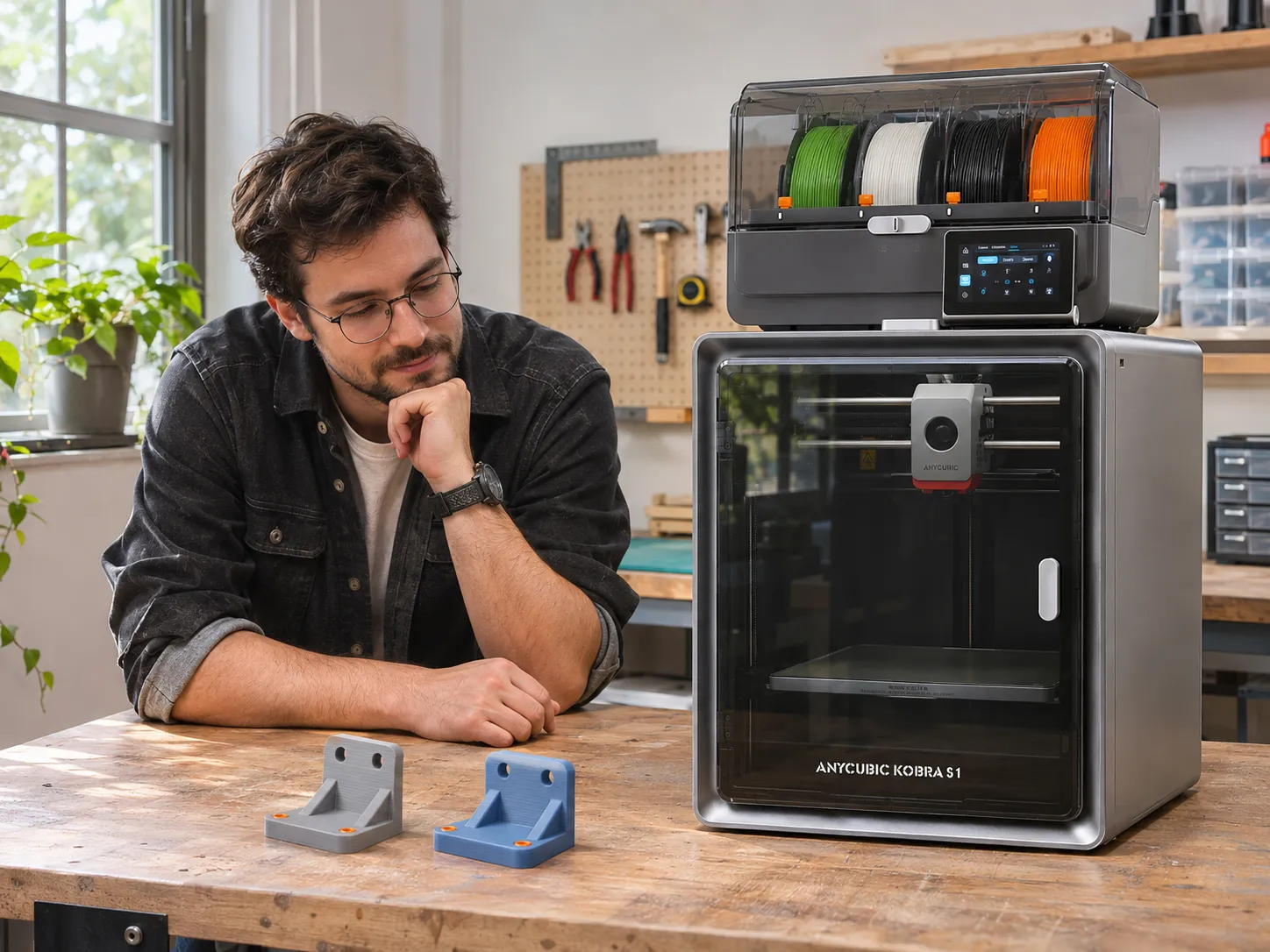
One checkout trap: “Kobra S1 Combo” doesn’t tell you which feeder is in the box. Tom’s Hardware tested the original ACE Pro. When we checked the US store on November 14, 2026, the old Combo URL redirected to the ACE 2 Pro bundle. [1] [14]
Quick verdict: Start with the printer alone for mostly single-color jobs if you don’t need a dryer. Consider the ACE 2 Pro Combo for regular multicolor prints or drying compatible filament while printing. Don’t pay extra assuming the new feeder has solved the older model’s interruptions. [2] [3] [7] [9]
Kobra S1 Combo vs. Kobra S1 ACE 2 Pro Combo: What’s Different?
The original Kobra S1 Combo includes the first-generation ACE Pro. The Kobra S1 ACE 2 Pro Combo includes the newer ACE 2 Pro. Both print in four colors out of the box, so check the feeder name in the selected variant or box contents. If the listing only says “Kobra S1 Combo,” ask the seller which feeder ships with it. [1] [2]
US price snapshot: November 14, 2026. Card prices are listed or advertised prices, not checkout quotes.
- Kobra S1 printer-only — $349
- No ACE feeder is included. [3]
- Original Kobra S1 Combo — verify seller price
- Includes ACE Pro: four colors out of the box and drying up to 55°C. [1] [4]
- Kobra S1 ACE 2 Pro Combo — $429
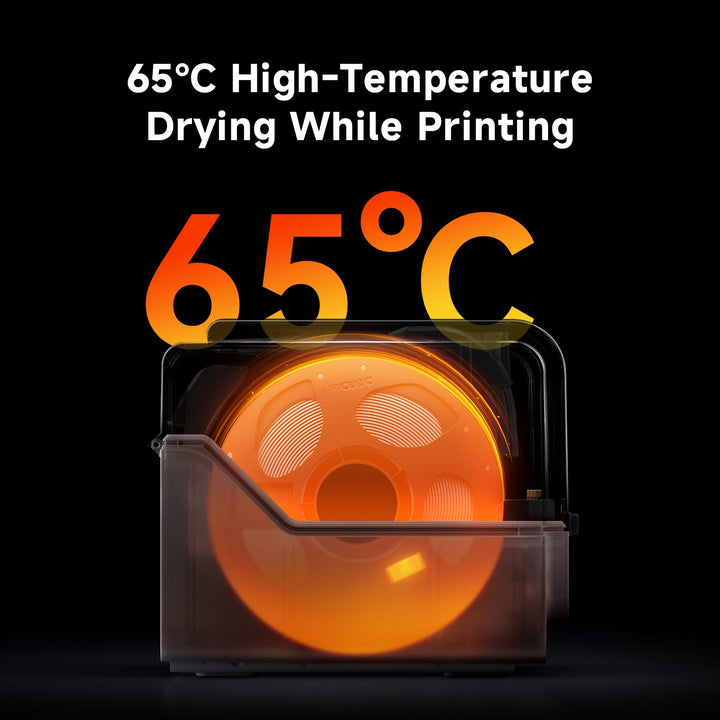
- Includes ACE 2 Pro: four colors out of the box and drying up to 65°C. The advertised 16-color maximum requires additional compatible hardware. [2]
What Does the Extra $80 Buy You?
Mostly Single-Color Parts or TPU 95A
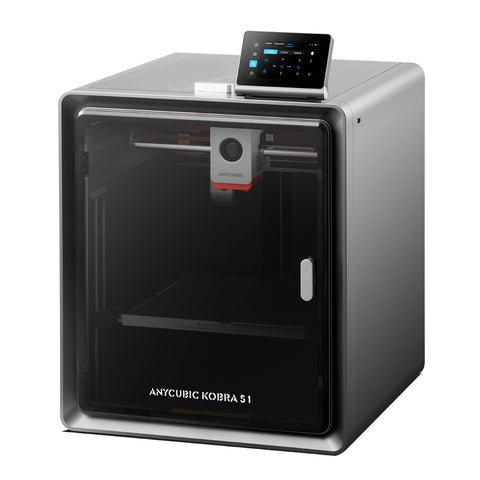
At the recorded prices, the Combo cost $80 more than the printer alone. Think about the next few parts you plan to print. If they’re mostly single-color brackets or prototypes and you already have a dryer that meets your needs, the base printer is the better starting point. If TPU 95A is your priority, the Kobra S1 supports it from an external spool, but ACE 2 Pro doesn’t support feeding it. Buy the Combo for other jobs you’ll actually run, not to automate TPU 95A. [2] [3]
Regular Multicolor Prints or Drying While You Print
The premium is easier to justify if you regularly change colors within a print or want to dry compatible filament as it feeds. The trade-off is that automatic color changes can add print time and use extra filament. In TechRadar’s original Combo test, one model took about 43 minutes in a single material and roughly 14 hours in multicolor. That was one job, not a typical time estimate or an ACE 2 Pro benchmark. [2] [6]
Try this before paying: Pick a model you already want to print, like a sign with contrasting lettering. Slice it once in one color and again in multiple colors. Compare print time and total filament, including purge if your slicer shows it. If the difference would make you print it in one color anyway, the feeder may not be worth it for you. This check won’t tell you how reliable the feeder is. If you’re still shopping for a four-color printer, our Flashforge AD5X vs Bambu A1 Combo comparison covers other feeder setups and what to compare at checkout.
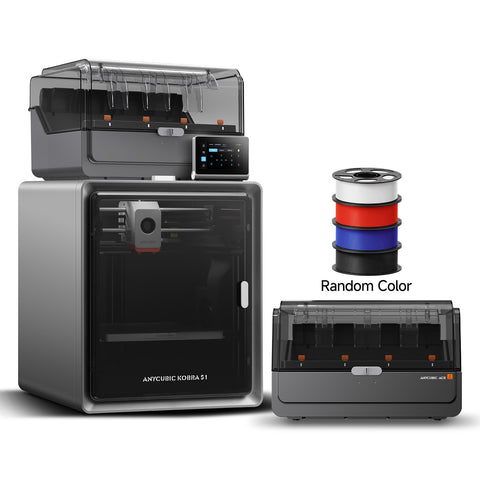
Anycubic Kobra S1 + ACE 2 Pro Combo
$429.00 — Anycubic US [2]
Price excludes pictured filament add-ons and extra feeder.
Does ACE 2 Pro Fix the Older Feeder’s Problems?
Feeding and Retraction: New Hardware, Mixed Reports
Original ACE Pro owners reported feeding or retraction errors during color changes. One ACE 2 Pro upgrader reported easier loading and smoother, quieter operation; another described RFID and feeding problems that interrupted work. We couldn’t verify a matched test measuring interruptions on the same job with both feeders. Treat those reports as examples of what to watch for, not as failure rates or proof that either generation is more reliable. PromoLatte did not test either bundle firsthand. [7] [8] [9]
Check the date on slicer complaints, too. Tom’s Hardware’s criticism came from its original test. Anycubic later documented a flushing-volume adjustment with a compatible version of Anycubic Slicer Next. That confirms an added control, not how much filament a current job will purge. [1] [10]
First-Layer Quality: Check It Separately
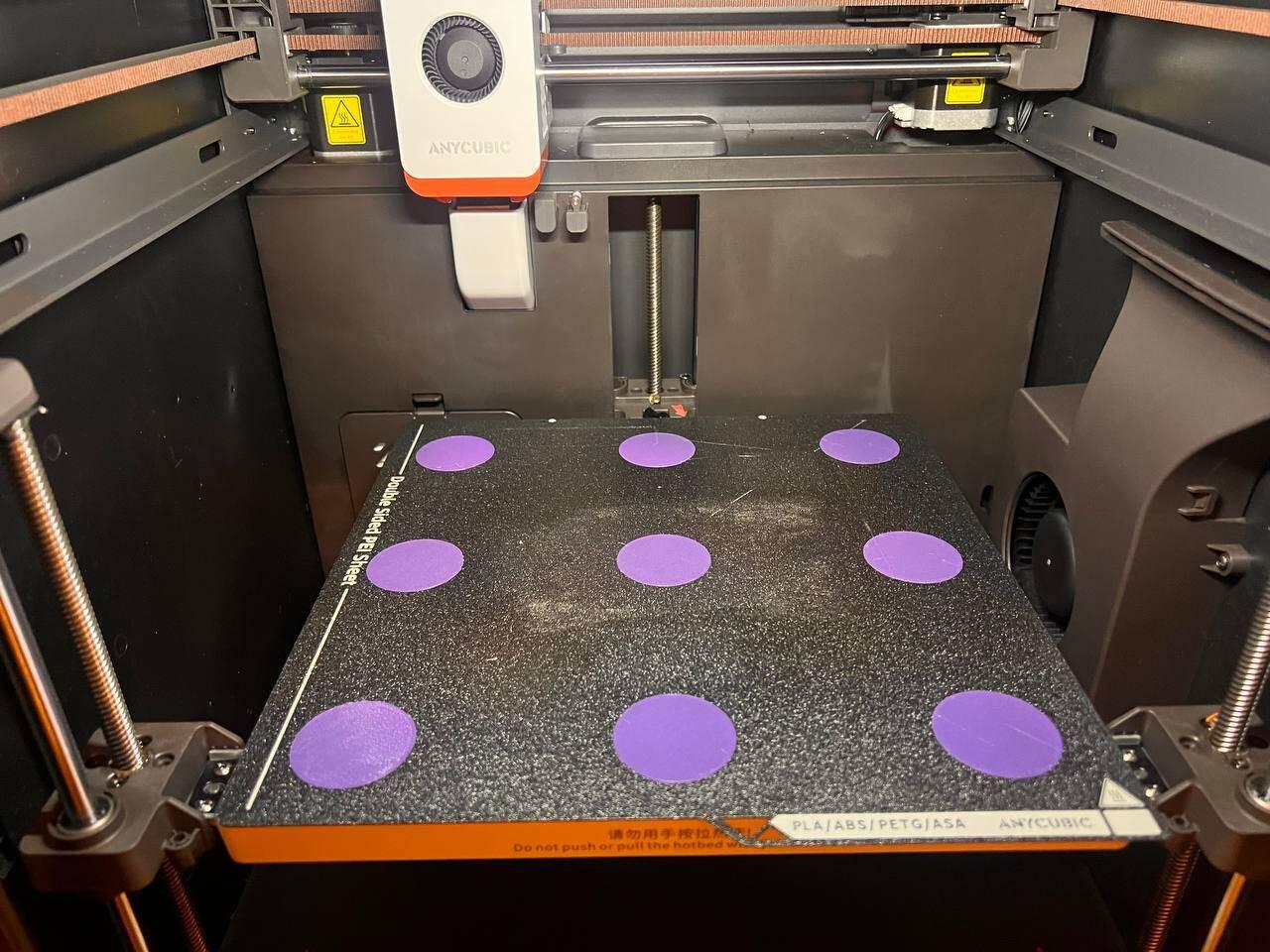
Notebookcheck observed an uneven first layer on its original Combo test unit. That’s a reason to run a simple first-layer test on your printer, not to assume your unit will behave the same way. Test the first layer before testing color changes so you can describe which step gave you trouble if you need support. [11]
When Is a Cheaper Setup the Better Buy?
If you’re mainly printing brackets, housings or fit-check parts, compare the material requirements and total setup costs in our under-$500 robotics 3D printer guide before budgeting for a color feeder.
A discounted original Combo can make sense if the seller confirms ACE Pro and its four-color setup and dryer meet your needs. Micro Center’s Rockville price was a local pickup example. The card below shows the Amazon listing. [4] [15]
Anycubic Kobra S1 Combo — Original ACE Pro

Can You Add the ACE 2 Pro to an Existing Kobra S1?
Yes. The original Kobra S1 supports the standalone ACE 2 Pro with the Kobra S1-specific signal adapter cable and a printer firmware update. If you bought the printer without a feeder, check that the kit includes the filament retraction module. The original ACE Pro and ACE 2 Pro can’t run together on the Kobra S1. [5] [16]
At the listed US prices, buying the $349 printer and $249 feeder separately would come to $598 before tax, versus $429 for the Combo. That makes the standalone feeder a different proposition for someone who already owns the printer than for a first-time buyer who knows they want both. If you’re still unsure you’ll use the feeder, the lower bundle price is not a reason to buy it by itself. [2] [3] [16]
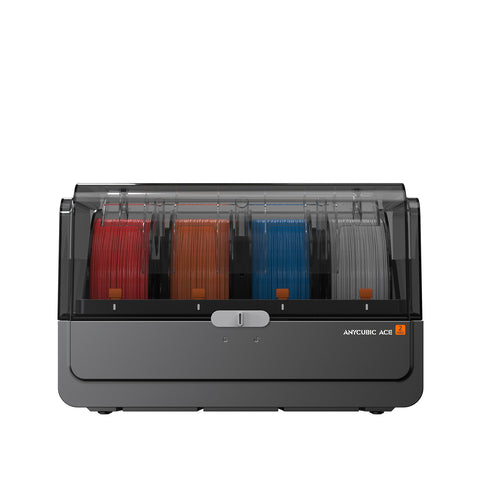
Anycubic ACE 2 Pro — Standalone Feeder
$249.00 — Anycubic US [16]
Select the Kobra S1-compatible option.
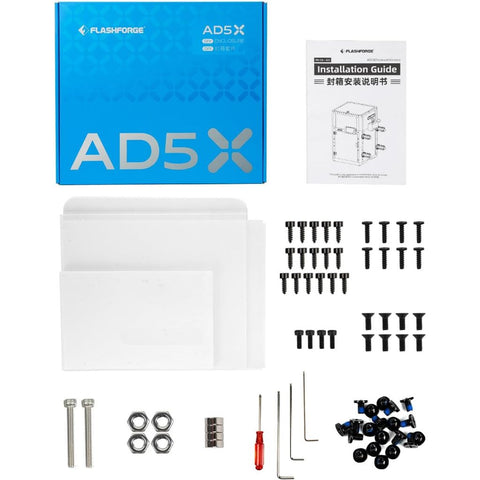
Flashforge AD5X is worth comparing if you’re comfortable with the stock setup. If you want an enclosure, compare the Kobra bundle against the AD5X plus the separately sold kit and account for assembly. The Flashforge AD5X enclosure guide explains what the kit involves. [12] [17]
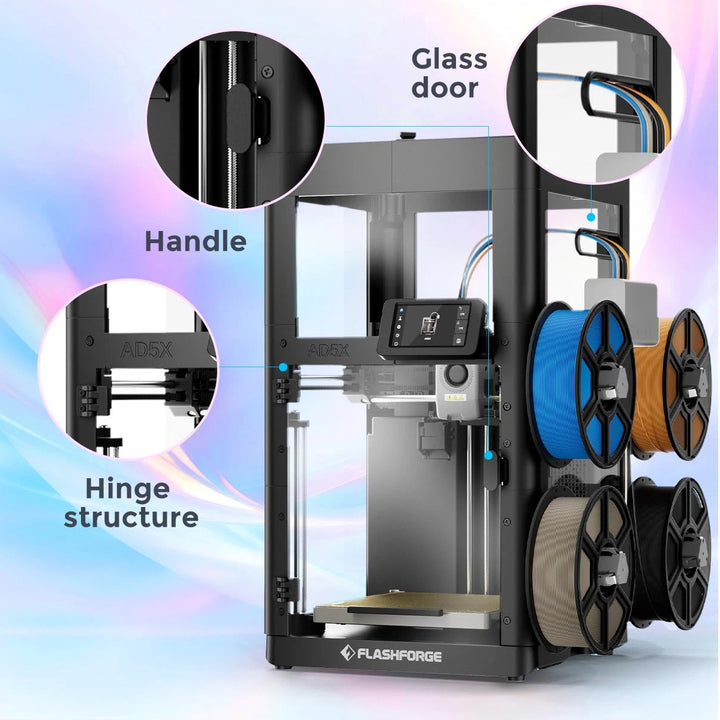
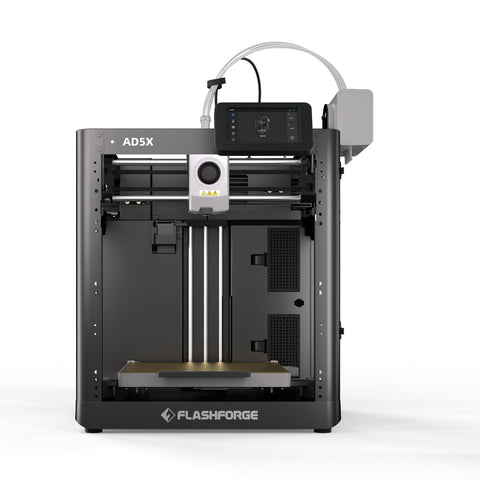
Flashforge AD5X — Stock Printer
Three Checks Before You Order
- Name the job. If you can point to prints that need automatic color changes or drying while printing, check the Combo price. Otherwise, price the printer alone first. [2] [3]
- Confirm the feeder. Look for “ACE 2 Pro” in the selected variant or box contents. Hold the order if the seller won’t confirm what’s included.
- Read the seller’s return terms. Check the window, packaging requirements and defect process. Anycubic US treats a change of mind differently from a qualifying quality problem, and other retailers may use different terms. [13]
For an Anycubic US direct order, the posted 14-day change-of-mind policy has resale-condition and packaging requirements, and the buyer pays return costs. The separate process for a qualifying quality problem asks you to contact Anycubic within 30 days. Don’t treat that as a 30-day trial or assume a print test leaves you eligible for a change-of-mind return. [13]
Once it arrives, keep the packaging and confirm the feeder. If you bought the Combo for multicolor, follow your first-layer check with a short four-color job using the filament you plan to run. Note the firmware and slicer versions and save any error codes. Test what you paid extra for while you still have time to act. [2] [10] [13]
Anycubic Kobra S1 + ACE 2 Pro Combo
$429.00 — Anycubic US [2]
Price excludes pictured filament add-ons and extra feeder.
Sources & references
- Tom’s Hardware — Original Combo test Open source ↗
- Anycubic US — ACE 2 Pro Combo Open source ↗
- Anycubic US — Kobra S1 printer Open source ↗
- Anycubic — Original Combo listing Open source ↗
- Anycubic Wiki — Feeder compatibility Open source ↗
- TechRadar — Multicolor print test Open source ↗
- Reddit — ACE Pro feeding reports Open source ↗
- Reddit — ACE 2 Pro upgrade impressions Open source ↗
- Reddit — ACE 2 Pro feeding problems Open source ↗
- Anycubic Wiki — Firmware changelog Open source ↗
- Notebookcheck — First-layer testing Open source ↗
- Flashforge — AD5X enclosure kit Open source ↗
- Anycubic US — Returns and warranty Open source ↗
- Anycubic US — Original Combo URL Open source ↗
- Micro Center — S1 Combo SKU 799999, Rockville store price Open source ↗
- Anycubic US — Standalone ACE 2 Pro, Kobra S1-compatible option Open source ↗
- Flashforge US — AD5X printer listing Open source ↗
- Flashforge US — Advertised AD5X and enclosure kit prices Open source ↗
 ✓