
Research-based buying review; no firsthand testing. Black Friday pricing checked November 12, 2026; offers and availability can change.
Affiliate disclosure: Some shopping links in this article are affiliate links. PromoLatte may earn a commission from eligible purchases.
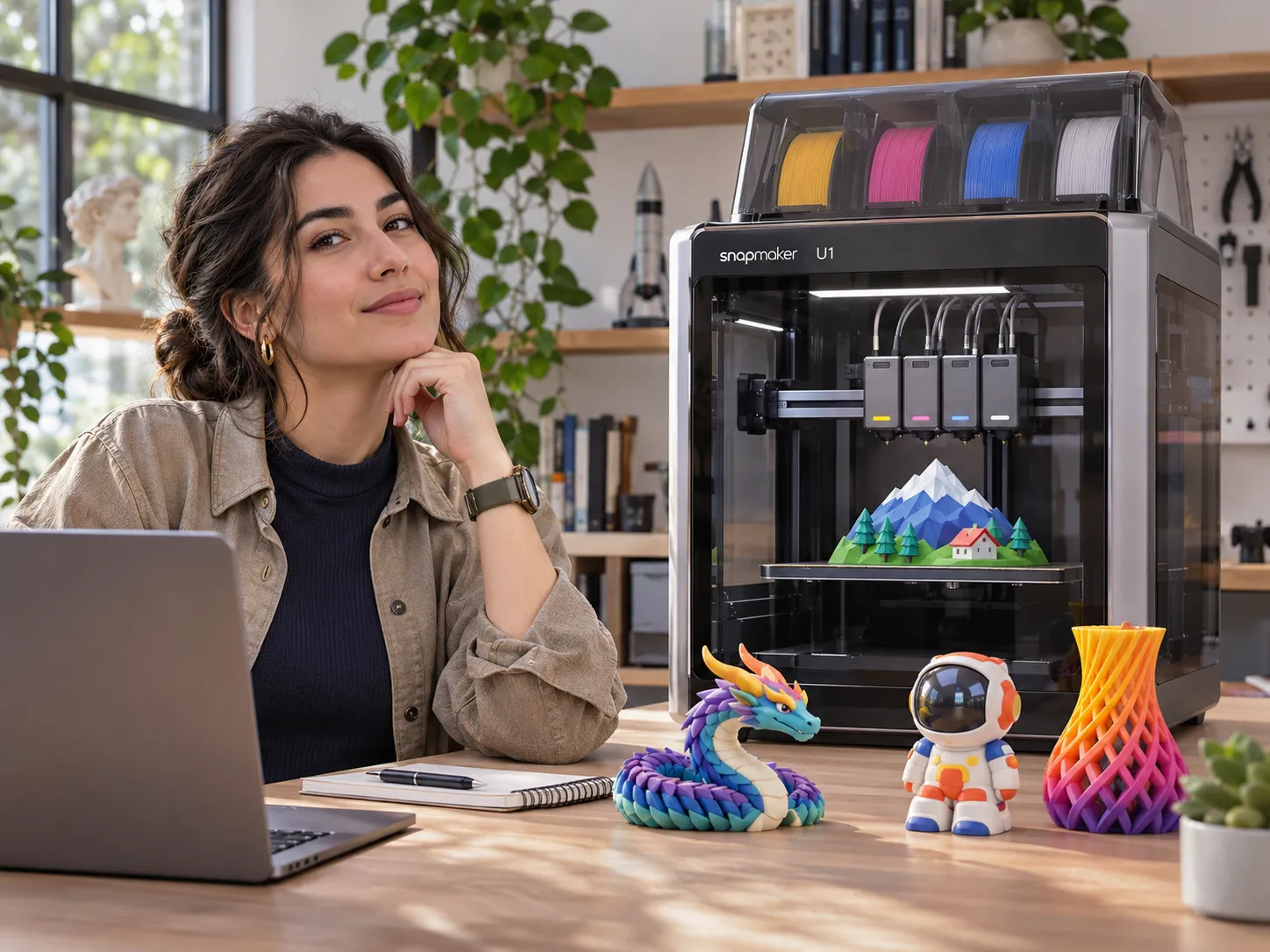
The Snapmaker U1 offers an appealing alternative to changing colors through one nozzle: four independent toolheads designed to swap quickly, with less purging between colors. But if you’ve seen reports of failed filament loading, disconnected toolheads, or troublesome software, the buying question changes. Will its multicolor advantages outweigh the interruptions you might have to manage? Specifications explain the promise; owner discussions explain the hesitation. [1] [5]
Quick Answer: The U1 deserves consideration if you regularly produce multicolor models and are comfortable with calibration and troubleshooting. Its toolchanger is useful, and independent testing supports its printing capabilities. However, mixed owner experiences mean it is not an automatic recommendation for first-time buyers seeking effortless operation or businesses that cannot tolerate downtime. Failure rates remain unknown. [4] [6]
What Are You Actually Paying for With the U1?
Snapmaker specifies four independent toolheads, approximately five-second swaps, and a 270 × 270 × 270 mm build volume. These are manufacturer figures, not our measurements. For a project with frequent color changes, separate toolheads can eliminate much of the repeated filament purging associated with a shared-nozzle system. [1] [3]
That advantage is less meaningful when most of your prints use one color. Four loaded filaments also create a practical limit: a model needing more colors requires additional planning. Check whether your own models need it often enough to justify choosing this machine over a simpler printer. [3]

Snapmaker U1 3D Printer
$699Official US Black Friday price, Nov 12, 2026 (was $999); individual US product listing currently says Unavailable[18]
Does “Less Waste” Mean Almost No Waste?
No. The U1 can still use a prime tower, and the amount depends on the sliced model. One owner documented a small 8.1 g print accompanied by an 18.07 g tower. That example is not typical-consumption evidence; marketing savings are not guaranteed. [5]
Practical test before buying: slice several models you actually intend to print, then compare total material consumption, not just the size of the finished objects. Otherwise, you may overestimate what toolchanging saves in your particular workflow.
Which Snapmaker U1 Problems Could Affect Your Prints?
Toolhead Picking, Parking, and Calibration
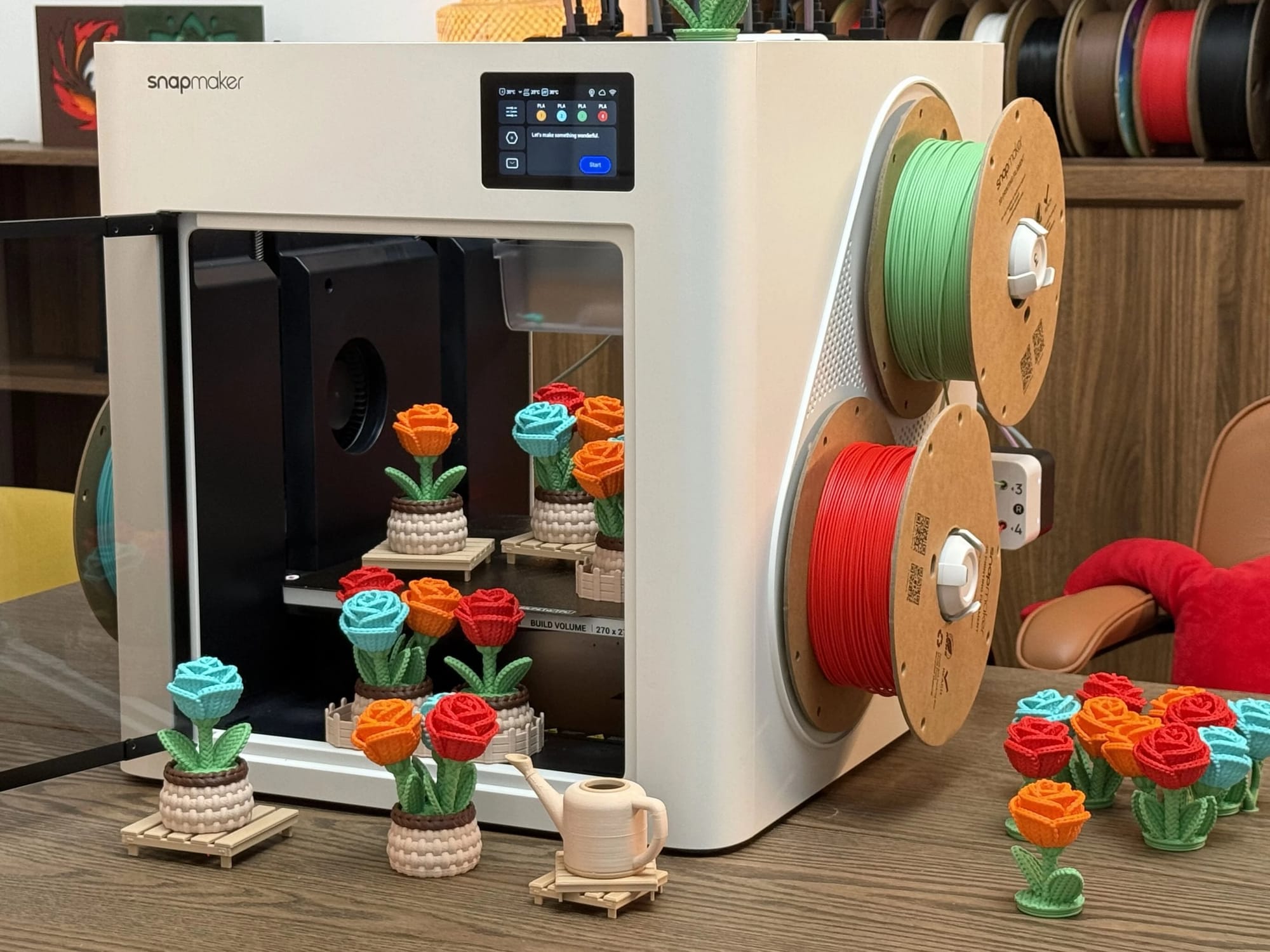
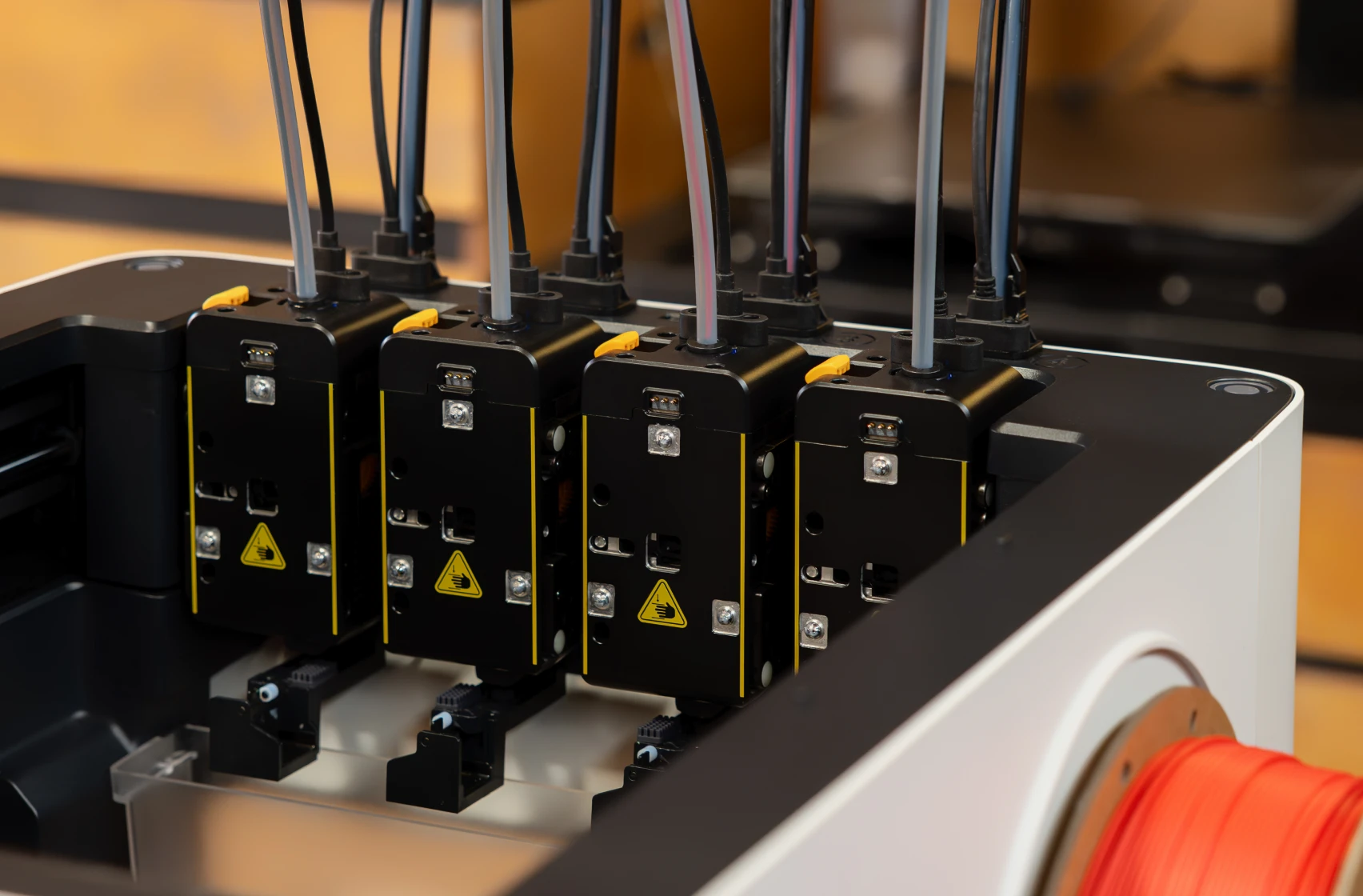
Owners have described attachment failures, toolhead communication errors, and calibration work. In an August discussion, one contributor reported roughly 400 printing hours with a single attachment issue that was resolved through manual calibration; others described more disruptive experiences. Snapmaker also maintains toolhead troubleshooting procedures. [6] [8]
Calibration may resolve some faults; others require parts or support. Neither a successful fix nor a severe complaint tells us how frequently U1 printers fail overall.
Filament Loading and Nozzle Clogs
A first-month owner praised multicolor output and TPU capability while also reporting nozzle clogs, homing trouble, and feeder errors. One owner’s experience cannot represent all printers. Snapmaker’s support material documents relevant loading and extrusion troubleshooting. [5] [8]
If you print occasional personal projects, a failed load may be manageable. If customers are waiting for orders, an interrupted print can become a scheduling and material-cost problem. Assess your troubleshooting tolerance.
Connectivity, Slicer Crashes, and Startup Delays
In a July 2026 discussion, users described meaningful software improvements since launch, while some still reported crashes, lost connections, or slow initialization. An October thread raised fresh job-sending complaints, although other owners said their connections worked normally. [7] [15]
These reports do not prove a universal defect. Remote job submission matters more to an unattended workflow than to someone working beside the machine.
Have the Software and Firmware Issues Improved in 2026?
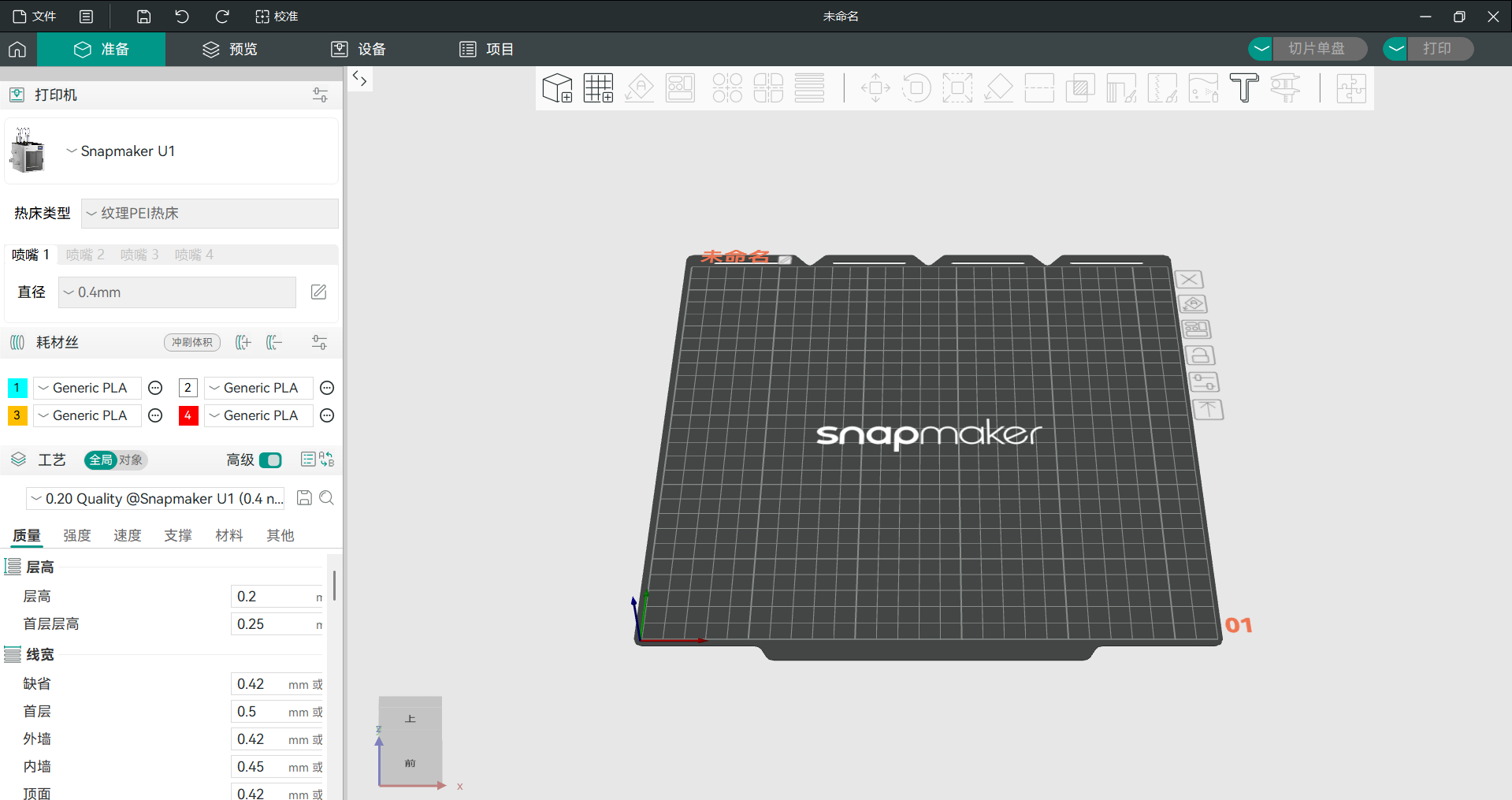
Some fixes are documented, but “updated” does not mean “every issue solved.” Snapmaker published U1 firmware v2.0.0 in September 2026 and Snapmaker Orca v2.4.1 in October 2026. The published notes describe changes involving software behavior, slicing, and connectivity. Match complaints to their version and date. [9] [10]
Historical Problems Versus New Reports
Earlier firmware: Users raised first-layer quality concerns around firmware 1.5.0/1.5.1, with subsequent fixes discussed in the official forum. That history should not be presented as proof that the same fault remains in current releases. [11]
Snapmaker Orca v2.4.1: Official release notes describe updates to prime-tower behavior, slicing, and connection-related features. Separately, an October 29 owner reported nozzle scratching during the final toolchange after upgrading from v2.4.0; a November 2 forum reply independently analyzed the generated G-code. This is a specific reported possible regression, not a measured product-wide defect. [10] [12]
Before relying on any forum fix, check your firmware version, Snapmaker Orca version, material profile, and exact symptom. Focus on whether current complaints affect your actual workflow.
What Do Longer-Term Owners Tell Us?
Owner evidence remains mixed. Some users report hundreds of successful printing hours and relatively minor corrections. Others describe frustrating feeder, toolhead, or support experiences. Independent technical reviewers also document capable output while identifying software and material-handling limitations. [6] [4]
There is no representative failure-rate dataset in the research reviewed here. Neither complaints nor successful hour counts guarantee reliability. For production use, consider repair access, spare parts, support response times, and what a failed job costs your operation.
What Does It Cost Beyond the Printer?
During Snapmaker’s 2026 Black Friday promotion, the US store lists the U1 for $699 (was $999; save $300), with the promotion announced for November 2–December 1. The optional Top Cover is listed at $149 (was $249), with the official US product page marked Pre-Order / Unavailable. The U1 printer product page is also currently marked Unavailable. These are US official-store prices checked November 12; stock, regional prices, shipping, and any affiliate-linked destination may differ. [18] [20] [17]
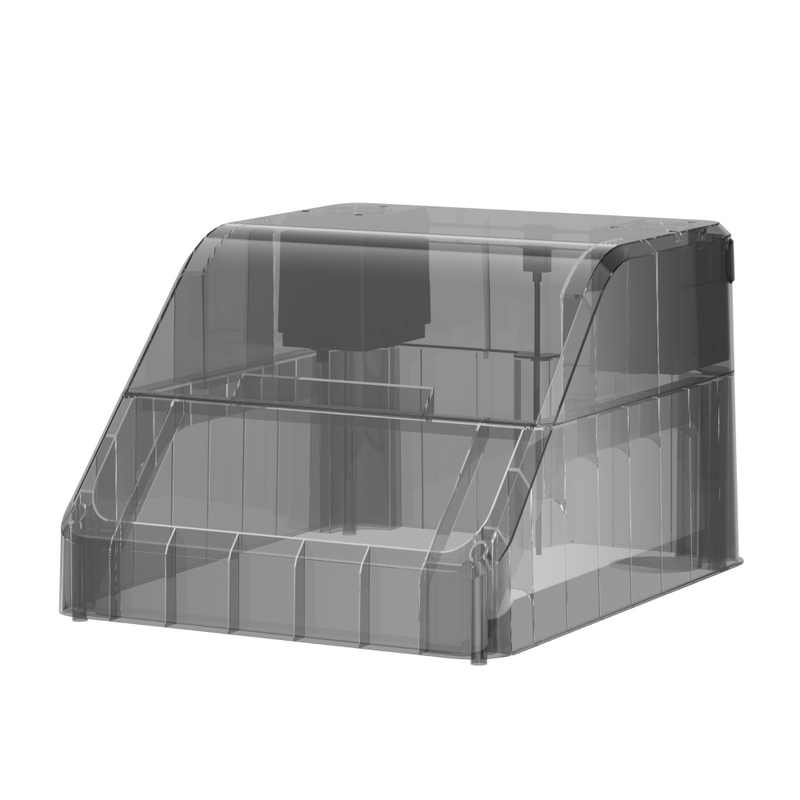
Don’t assume the Top Cover is necessary for everyone. Its value depends on which materials you plan to use, and owners have raised temperature-management questions for certain configurations, including PLA printing. Verify filament compatibility, hotends, ventilation, warranty, and shipping. [1] [13] [14]

Snapmaker U1 Pros and Cons at a Glance
Pros
- Four-toolhead design supports useful multicolor workflows.
- Less repeated nozzle purging than some shared-nozzle approaches.
- Independent reviews and positive owners document capable prints.
Cons
- Toolhead, feeding, and connection issues appear in owner reports.
- Software version changes may require attention and troubleshooting.
- Extra accessories and material needs can change the total cost.
These are reported trade-offs, not a reliability score. [3] [5] [8]
Who Should Buy the U1, and Who Should Skip It?
Consider the U1 if multicolor projects are a routine part of your work, reduced purging is valuable, and you can handle some calibration or software troubleshooting. Match the toolchanger to your printing needs.
Compare alternatives first if you prioritize straightforward setup, predictable day-to-day uptime, or a production environment where troubleshooting has a real commercial cost. If you mostly print in one color, the toolchanging benefit may not justify added complexity.
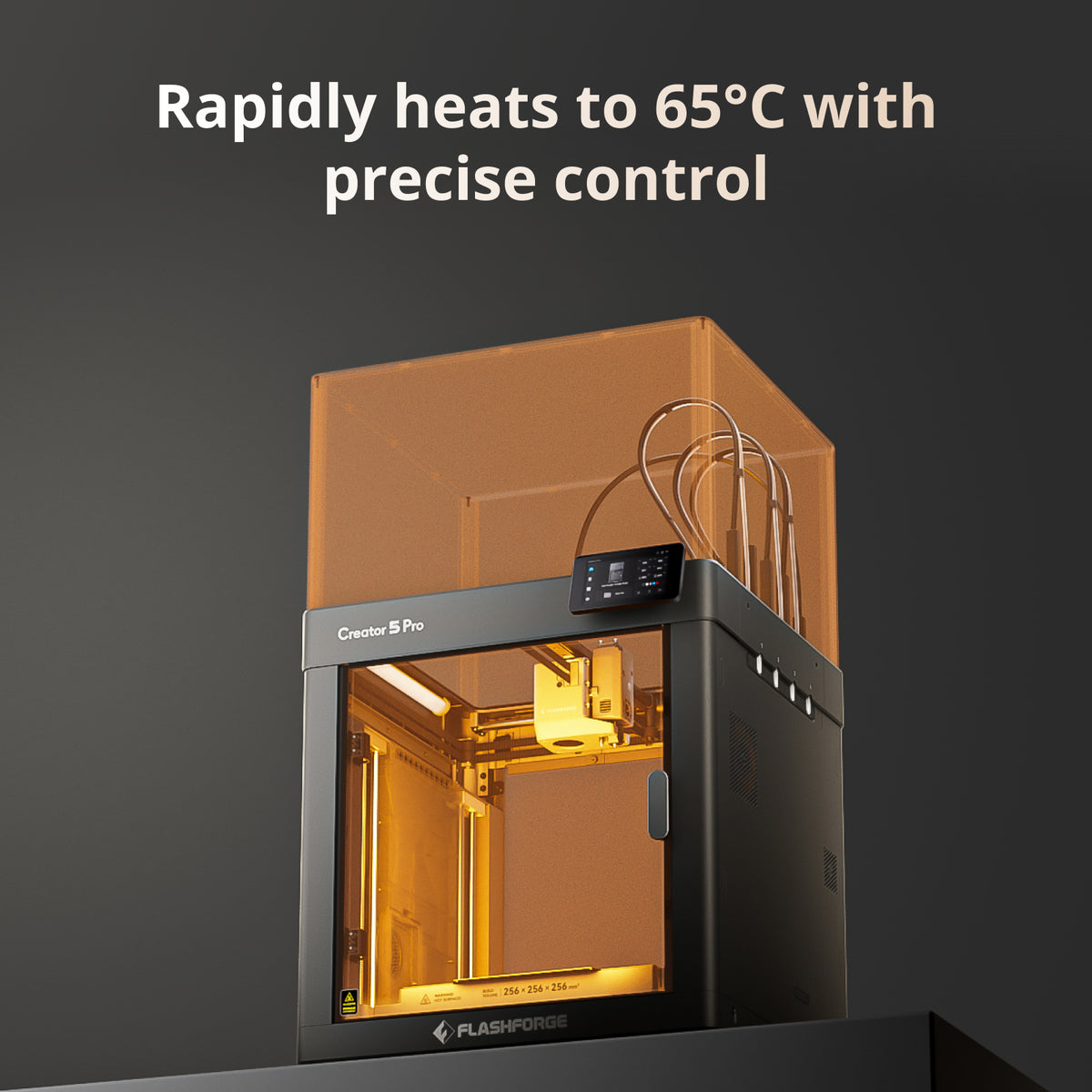
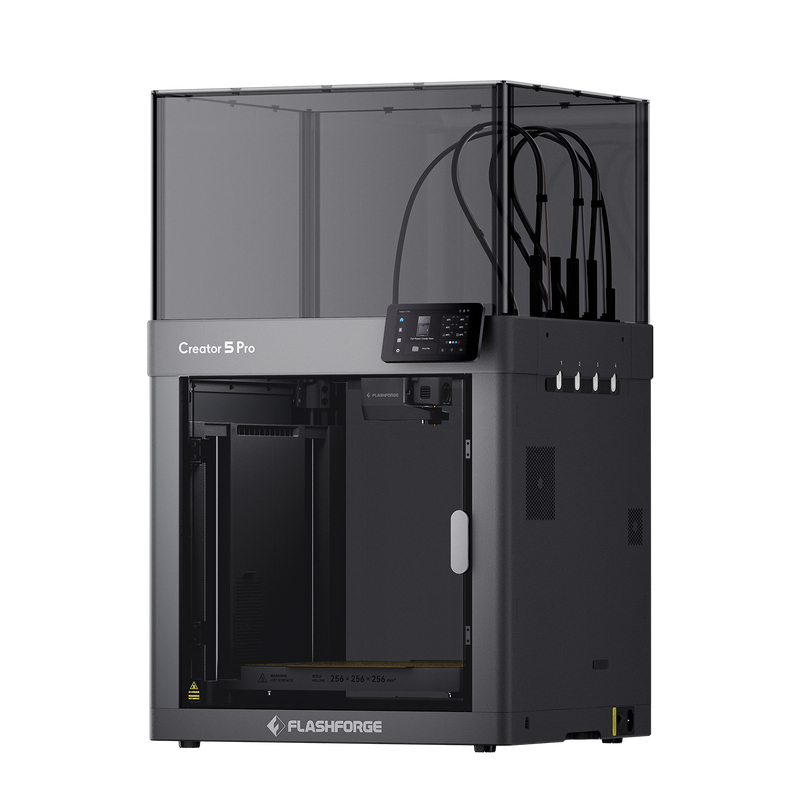
If an actively heated chamber matters for your materials, the enclosed Flashforge Creator 5 Pro is a relevant alternative. Our U1 vs Flashforge Creator 5 Pro comparison covers the material and configuration decision. [16]
Flashforge Creator 5 Pro
$749.00Flashforge official US displayed price, Nov 20, 2026 (was $949); ShopMy affiliate checkout may differ. [16]
Final Verdict: Is the Snapmaker U1 Worth Buying?
The U1 is a conditional yes for buyers who genuinely need frequent multicolor toolchanging, not a blanket recommendation. Its core printing capability is supported by independent coverage, but software history and mixed owner reports make troubleshooting tolerance part of the decision. [4] [7]
Black Friday savings make the upfront cost more attractive, but they do not change the U1’s potential troubleshooting trade-offs. Before ordering, confirm the selected printer is available, calculate accessories for your materials, and read the seller’s support and return terms. If uptime matters more, compare alternatives. Confirm the current checkout price and promotion eligibility rather than relying on an earlier listing.
Snapmaker U1 3D Printer
$699Official US Black Friday price, Nov 12, 2026 (was $999); individual US product listing currently says Unavailable[18]
Sources & References
- Snapmaker — Official U1 product overview. Toolhead system, technical specifications, and stated material capabilities. View source
- Snapmaker US — U1 product listing. Dated US price, availability, and listed accessory costs. View source
- Tom’s Hardware — Snapmaker U1 review. Independent early testing and toolchanger assessment. View source
- 3Dnatives — U1 technical review. Independent performance and limitation assessment. View source
- Reddit — First month with the U1. One owner’s benefits, failures, and prime-tower example. View source
- Reddit — U1 owner issues discussion. Mixed reports about toolhead operation and extended use. View source
- Reddit — U1 software status discussion. Owner accounts of software improvements and remaining complaints. View source
- Snapmaker Wiki — U1 troubleshooting. Recognized toolhead, calibration, and extrusion procedures. View source
- Snapmaker Wiki — Firmware release notes. U1 firmware revisions and documented fixes. View source
- Snapmaker Wiki — Orca v2.4.1 release notes. Official slicer changes and fixes. View source
- Snapmaker Forum — Firmware 1.5.0 first-layer discussion. Historical print-quality issues and response. View source
- Snapmaker Forum — Orca v2.4.1 possible regression. October 29 owner report and November 2 follow-up analysis. View source
- Snapmaker Forum — U1 Top Cover overheating. Owner temperature-management experiences. View source
- Snapmaker Forum — Top Cover recirculation fan. Configuration and ventilation discussion. View source
- Reddit — October connection complaints. Mixed owner reports of job-sending and connectivity. View source
- Flashforge — Creator 5 Pro official product listing. Listed US price, enclosed design, and active chamber heating. View source
- Snapmaker US — U1 Top Cover product listing. Optional accessory price and availability. View source
- Snapmaker US — Black Friday Sale 2026. U1 and Top Cover US promotional listings, discount amounts, and applicable store offers. View source
- Flashforge — Black Friday Sale 2026. Campaign dates and promotional terms for the Creator 5 Series. View source
- Snapmaker — November 6, 2026 promotional announcement. Confirmed US $699 U1 promotion and November 2–December 1 dates. View source
 ✓