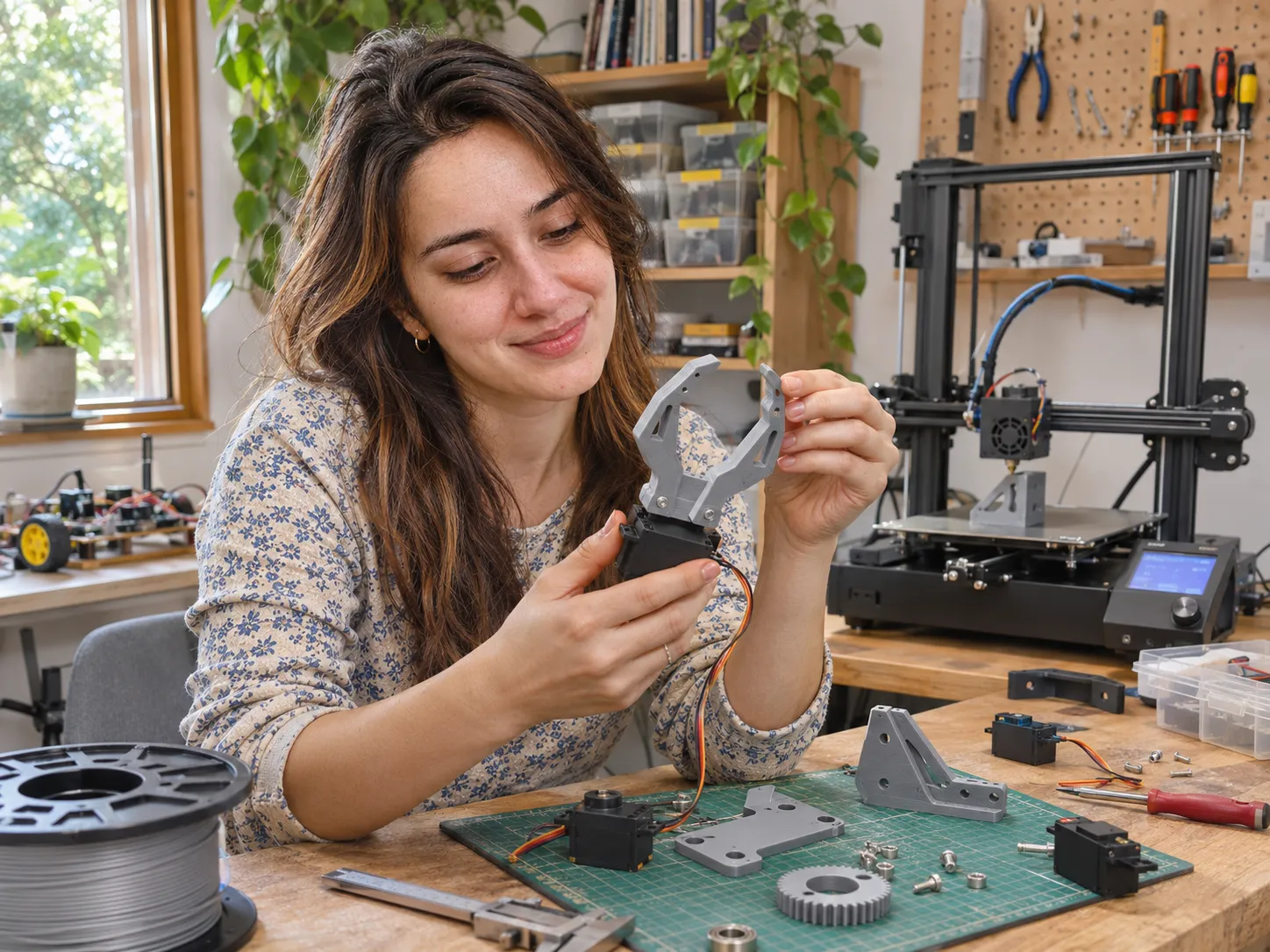

Your robotics project needs sensor mounts or servo brackets now, but future designs may involve grippers or gears. Should you start with an affordable open-frame printer or pay more for an enclosure? The answer depends on your parts, not advertised print speed.
Robotics buyers have asked about budget, PLA/PETG suitability, and enclosure needs. Those discussions reveal buying concerns, not proof of printer performance. [1][2]
Quick Answer
Start by matching your robot parts to a supported material. For basic PLA/PETG prototypes, an open-frame option may be sufficient. If your design requires ABS/ASA, compare enclosed printers that explicitly support those filaments. More demanding polymers can require additional hardware and handling beyond an enclosure. [3]
What Are You Building Before You Choose a Printer?
A fit-check housing differs from a load-bearing joint. List your first three parts, dimensions, and expected heat, movement, or forces. These requirements matter more than speed rankings.
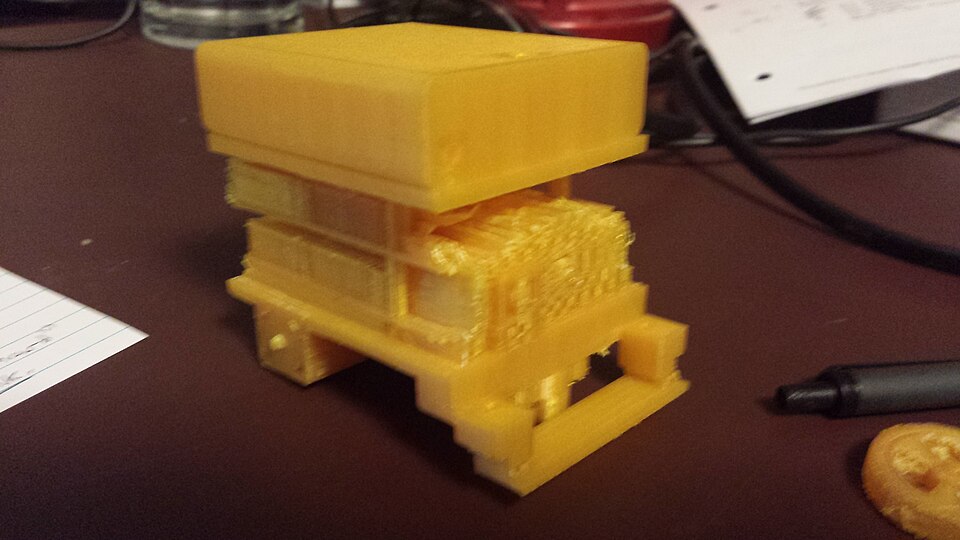
- Sensor covers and fit-check prototypes: PLA is a reasonable material to investigate when heat resistance and mechanical loads are not demanding. [4]
- Mounts and practical brackets: PETG deserves consideration, but orientation, geometry, and actual load still need evaluation. [5]
- Flexible grippers or bumpers: investigate TPU and verify the printer’s specific flexible-filament setup. [6]
- Heat-exposed housings: identify the required temperature resistance before considering ABS/ASA and compatible enclosed equipment. [3]
- Gears and stressed joints: material choice alone cannot establish wear resistance or safe load capacity; the final part requires evaluation. [7]
This is a selection framework, not a certification of part strength. A filament described as strong can still produce an unsuitable component if the geometry, print direction, or service conditions are wrong.
Separate your parts into fit-checks, flexible contact pieces, and stressed mechanisms. If you do not yet know the loads or operating temperature, record that uncertainty instead of assuming an engineering filament will solve it.
When Does Paying for an Enclosure Actually Make Sense?
For PLA/PETG housings and fit-checks, an enclosure may be unnecessary. That changes when a required filament needs controlled printing conditions, as enclosure guidance explains for ABS and ASA. [3]
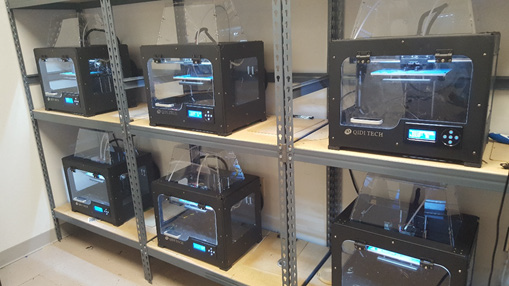
Enclosed does not automatically mean engineering-grade. A closed case differs from an actively heated chamber; nozzle temperature alone cannot confirm nylon, PC, or composite compatibility. Check supported materials and nozzle requirements. EPA documents desktop-printing emissions; filtration is not zero-exposure protection. [8]
If you are considering the AD5X instead, our Flashforge AD5X enclosure guide explains the separate kit’s assembly requirements and limitations. That upgrade decision differs from buying a factory-enclosed printer.
Which Under-$500 Printers Deserve a Place on Your Shortlist?
These are research-based candidates, not hands-on-tested rankings. Flashforge US displayed prices were rechecked November 12, 2026; other brands’ prices remain dated November references. Any direct-store Black Friday cart discounts may differ through our affiliate links; none of these prices are guaranteed checkout totals.
Flashforge Adventurer 5M: Start With Basic Prototypes
The open-frame Adventurer 5M provides a 220 × 220 × 220 mm build area. Flashforge lists PLA/PETG use and specifies different nozzle requirements for some additional materials, including TPU. [9] Consider it for housings, brackets, and fit-checks—not projects requiring unsupported ABS/ASA. A hot nozzle cannot replace material compatibility.
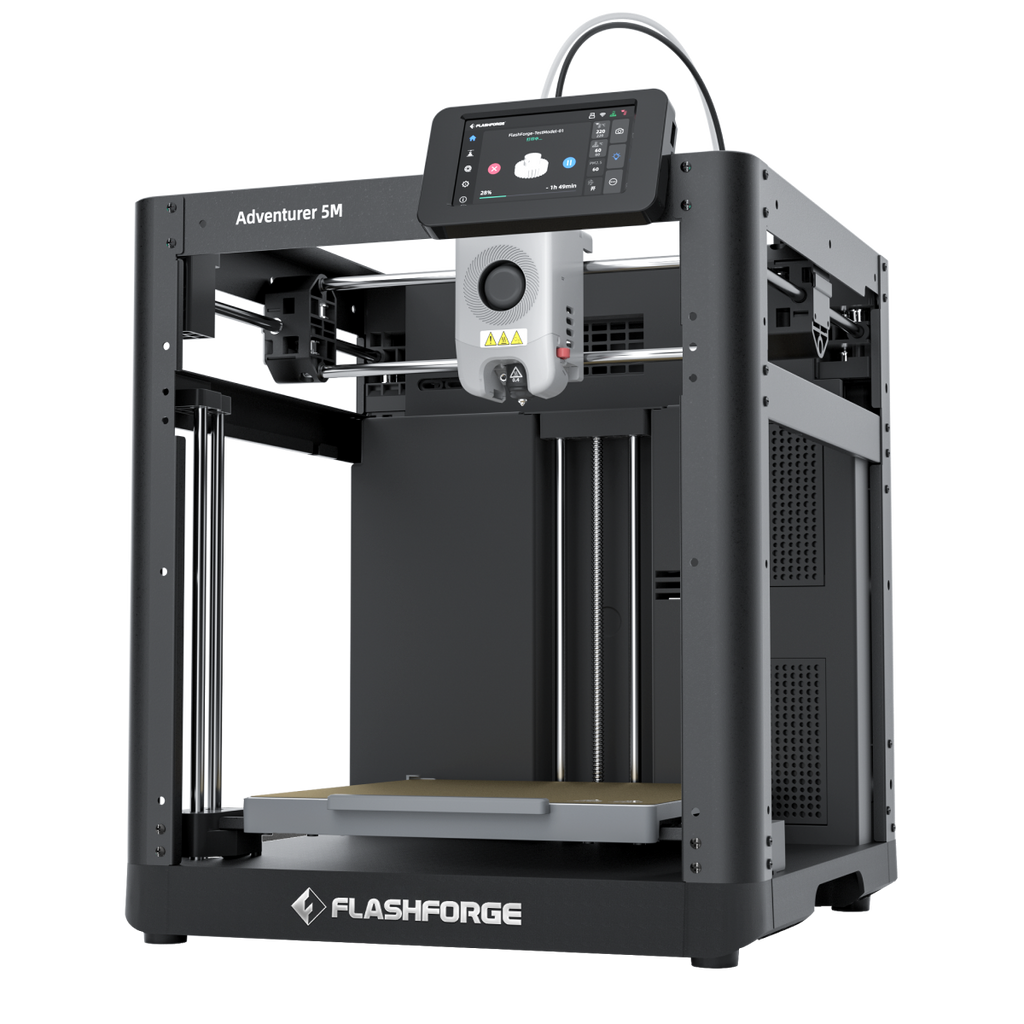 Flashforge Adventurer 5M$249 USD Flashforge US listed price · Nov 12, 2026; extra $20 advertised in official cart (ShopMy may differ)For PLA/PETG housings and early robotics prototypes.
Product photo: Flashforge
Bambu Lab A1: More Space for Common Prototype Materials
Its listed 256 × 256 × 256 mm build volume gives more room than the Adventurer 5M. Bambu identifies PLA, PETG, TPU, and PVA as ideal, while ABS, ASA, PA, and reinforced polymers are not recommended. [10] The extra space helps larger housings, not unsupported materials.
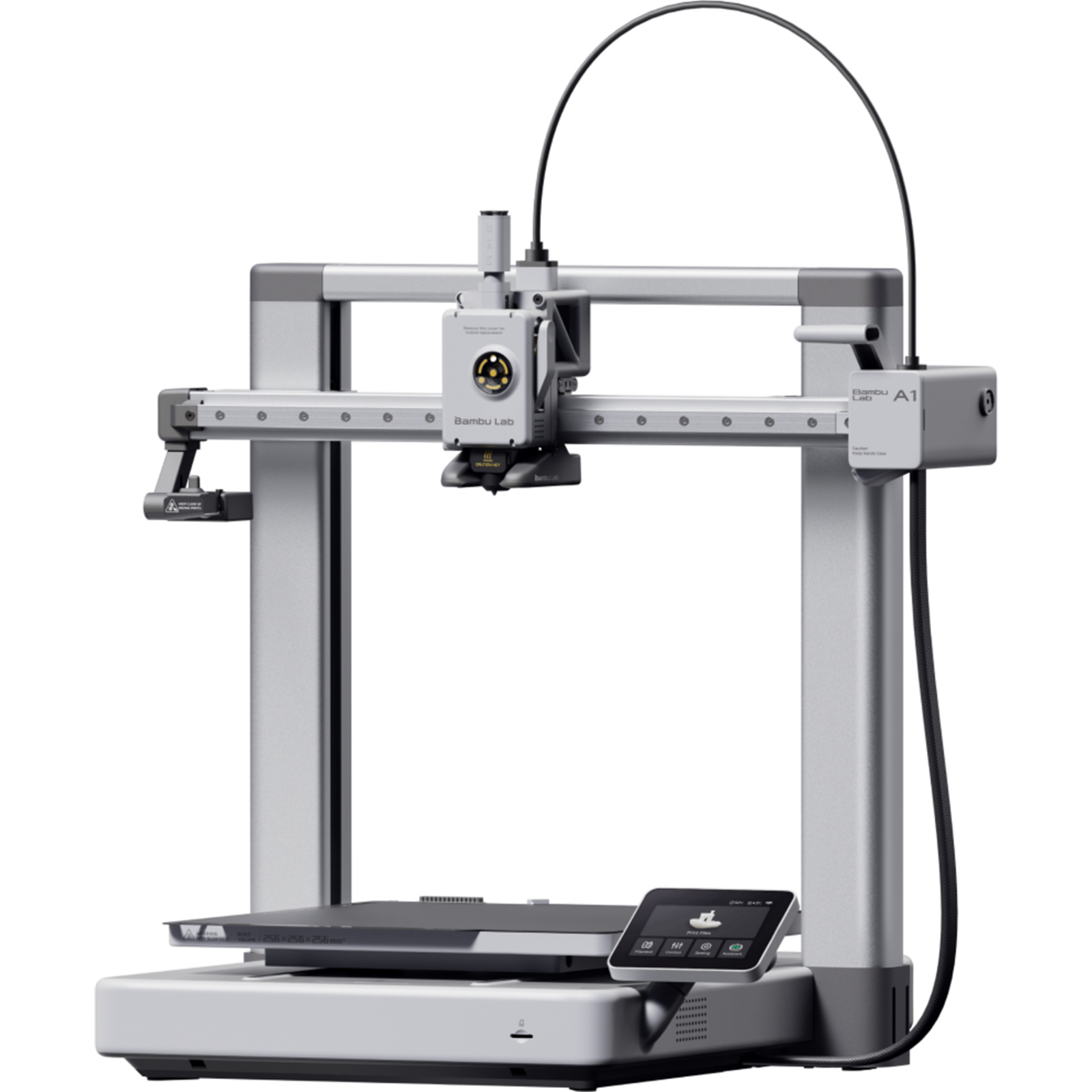 Bambu Lab A1From $349 USD Reference price · Nov 2026For roomier PLA/PETG projects; check the live configuration.
Product photo: PB Tech
Flashforge Adventurer 5M Pro: When ABS/ASA Is a Real Requirement
The 5M Pro retains a 220 mm cubic build space but adds an enclosed design, camera, filtration, and listed ABS/ASA compatibility alongside common materials. [11] The enclosure matters when supported higher-temperature filaments are required. For PLA/PETG-only projects, the premium may add little. It does not ensure universal nylon or composite support.
For the detailed price-and-upgrade trade-off, read our Flashforge Adventurer 5M vs 5M Pro comparison.
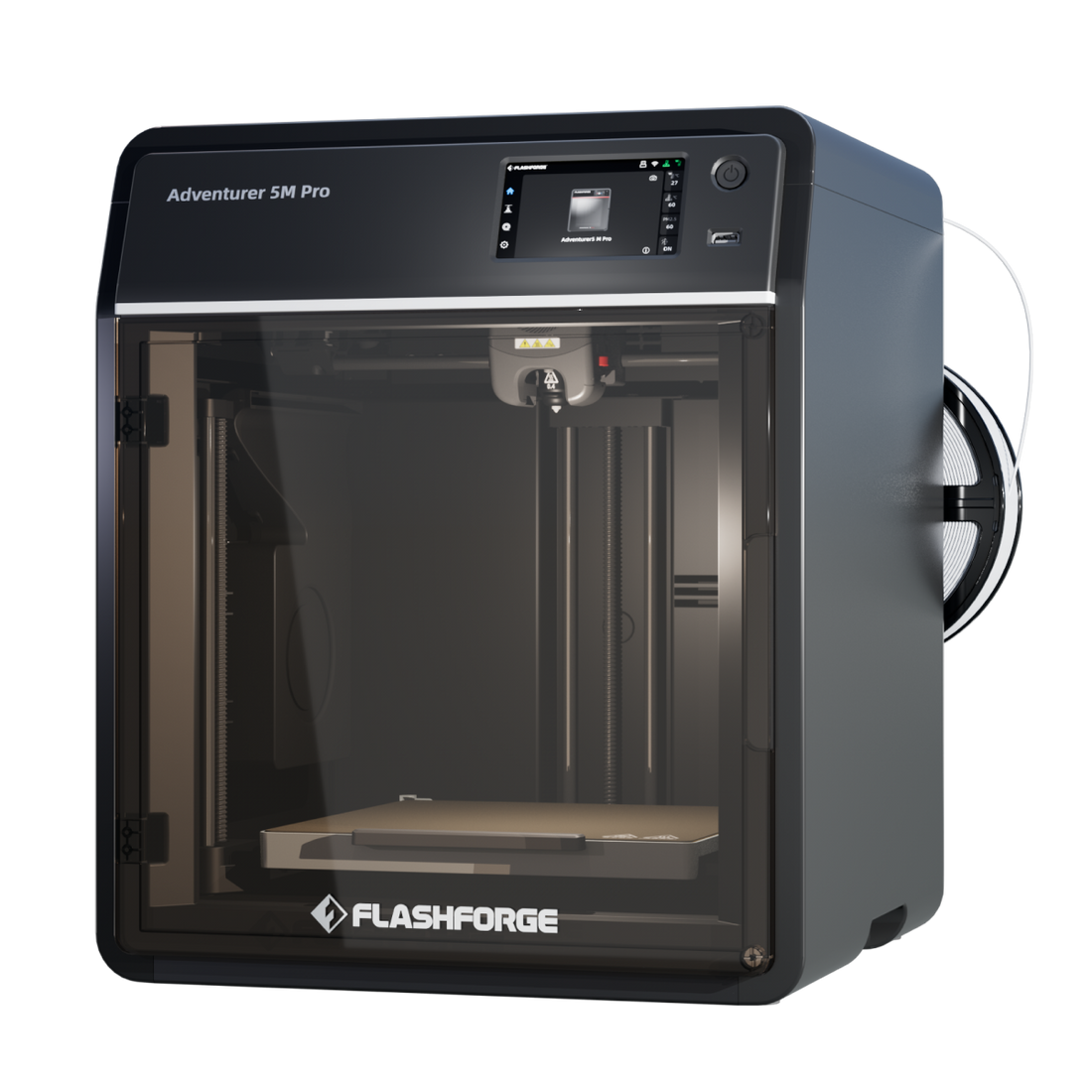 Flashforge Adventurer 5M Pro$379 USD Flashforge US listed price · Nov 12, 2026; extra $20 advertised in official cart (ShopMy may differ)For projects that specifically require supported ABS/ASA.
Product photo: Flashforge
QIDI Q2: Investigate Advanced Materials Carefully
QIDI lists a 270 × 270 × 256 mm build volume, an actively heated chamber up to 65°C, and support for selected PA, PC, and reinforced materials. [12] Consider it for confirmed engineering-filament needs. At $499, almost nothing remains in a $500 total budget for required extras.
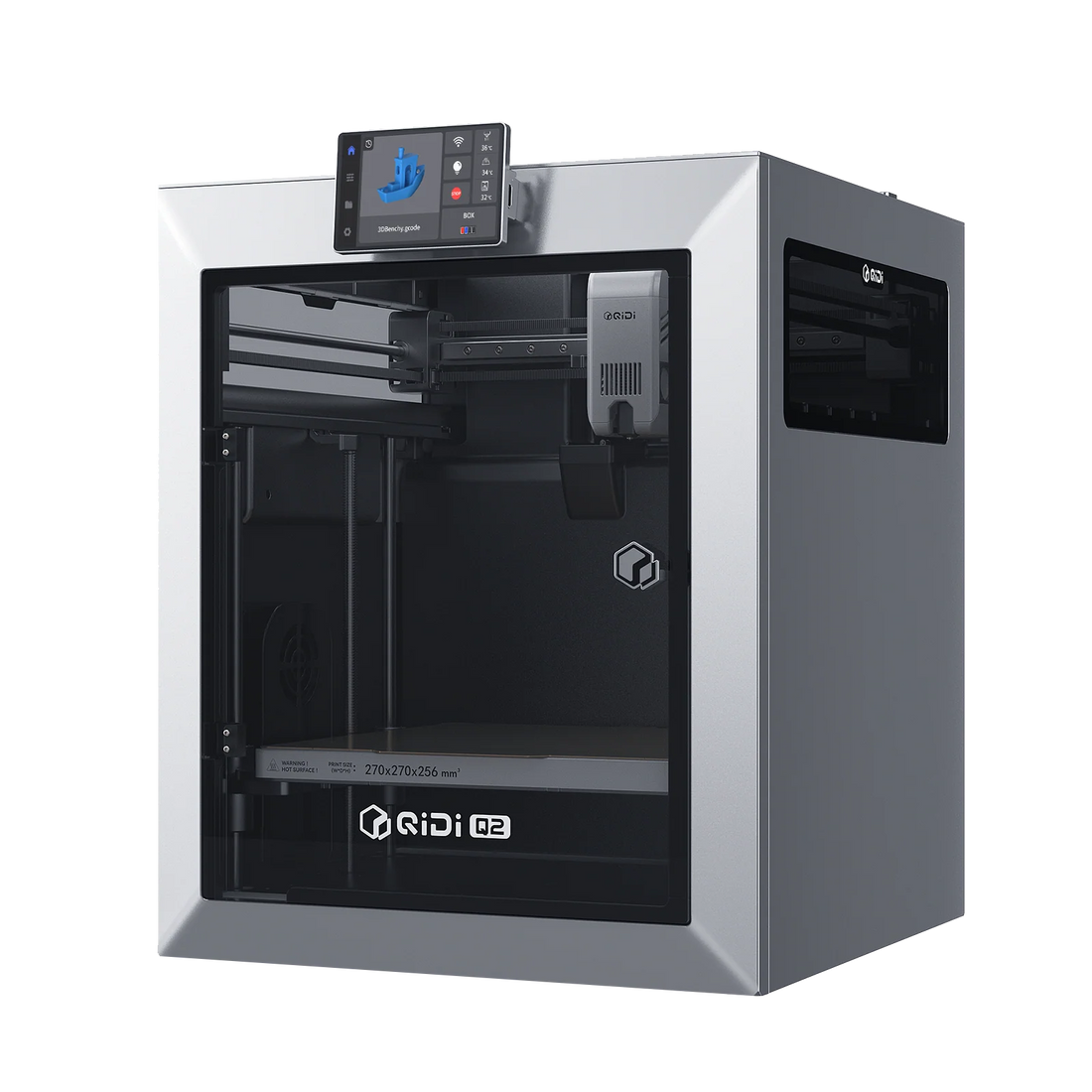 QIDI Q2$499 USD Reference price · Nov 2026For verified engineering-filament needs; budget for extras.
Product photo: Fabreeko
For any advanced-filament printer, check more than the headline material list: required nozzle, chamber settings, drying guidance, and compatible accessories may affect whether that material is practical for your workflow.
For a different, higher-priced printer category, see our Snapmaker U1 vs Flashforge Creator 5 Pro comparison on filament compatibility, chamber features, and complete setup costs.
Can Any of These Printers Guarantee Functional Gears?
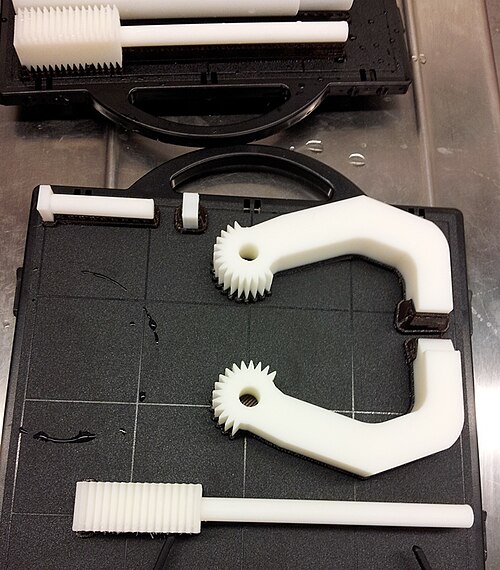
No recommendation here guarantees a working gear or structural joint. Printed-part strength is affected by material properties, geometry, layer orientation, and intended loading. Design guidance also emphasizes modeling parts with the printing process in mind. [7][13] Print a fit-check, verify alignment, then assess wear and loads. Critical mechanisms may need independent validation or different manufacturing.
Does the $500 Budget Include Everything You Need?
The printer price is not necessarily the complete usable setup price. Depending on the selected filament and manufacturer instructions, additional costs may include a compatible nozzle, filament-drying equipment, consumables, or improved ventilation. Separate required purchases from optional accessories before deciding that a more expensive printer offers better value.
A $499 Q2 approaches the budget limit before extras; PLA/PETG-only buyers may not need enclosure features. Ask: which complete setup meets my verified needs at the lowest cost?
Price required first-prototype items using manufacturer guidance; keep optional upgrades separate.
If your shortlist includes an enclosed printer, our Anycubic Kobra S1 Combo review breaks down what you pay for the printer alone and what the optional feeder adds for multicolor printing and filament drying.
Frequently Asked Questions
Do robotics beginners need multicolor printing?
Not automatically. If your priority is functional fit, material support, and iteration, evaluate those requirements before paying for color-changing equipment. Multicolor convenience does not itself establish stronger robot parts.
If automatic color changes matter to your projects, our Flashforge AD5X vs Bambu A1 Combo comparison covers the equipment and workflow trade-offs of two four-color setups.
Should you buy an enclosed printer now to avoid upgrading later?
Only when the extra capabilities match a foreseeable, specified project. An undefined future need is not enough to establish that the extra cost is worthwhile.
Which Printer Should You Actually Choose?
For early PLA/PETG parts, start by comparing the Adventurer 5M and Bambu A1 on size, current price, and workflow. If ABS/ASA compatibility is necessary, investigate the enclosed Adventurer 5M Pro. If you have confirmed requirements for supported engineering polymers, assess the QIDI Q2 together with its material-handling costs. Eliminate any printer whose manufacturer does not support your planned filament.
Before purchasing, ask: What is my first part? What material does it need? Will it fit? What will the complete setup cost? Unclear requirements should be resolved before upgrading.
Flashforge Adventurer 5M$249 USD Flashforge US listed price · Nov 12, 2026; extra $20 advertised in official cart (ShopMy may differ)A starting option for PLA/PETG, not a universal winner.
Product photo: Flashforge
Sources & References
- Reddit, r/3dprinter: Beginner robotics budget and material questions. View discussion
- Reddit, r/3dprinter: Enclosure and robotics printer buying concerns. View discussion
- Prusa Knowledge Base: Enclosure and material considerations. View guide
- Prusa Knowledge Base: PLA material characteristics. View guide
- Prusa Knowledge Base: PETG material characteristics. View guide
- Prusa Knowledge Base: Flexible-material guidance. View guide
- Formlabs: 3D printing material strength context. View article
- U.S. EPA: Desktop 3D-printing emissions research. View research
- Flashforge: Adventurer 5M specifications and materials. View product
- Bambu Lab: A1 specifications and material suitability. View product
- Flashforge: Adventurer 5M Pro specifications. View product
- QIDI: Q2 chamber, materials, and size specifications. View product
- Prusa Knowledge Base: Modeling for 3D printing. View guide
- Flashforge US — Black Friday 2026 promotions. Campaign dates and advertised cart discounts (see also cited 5M and 5M Pro official product pages). View promotion
 ✓